Just Tech Me At
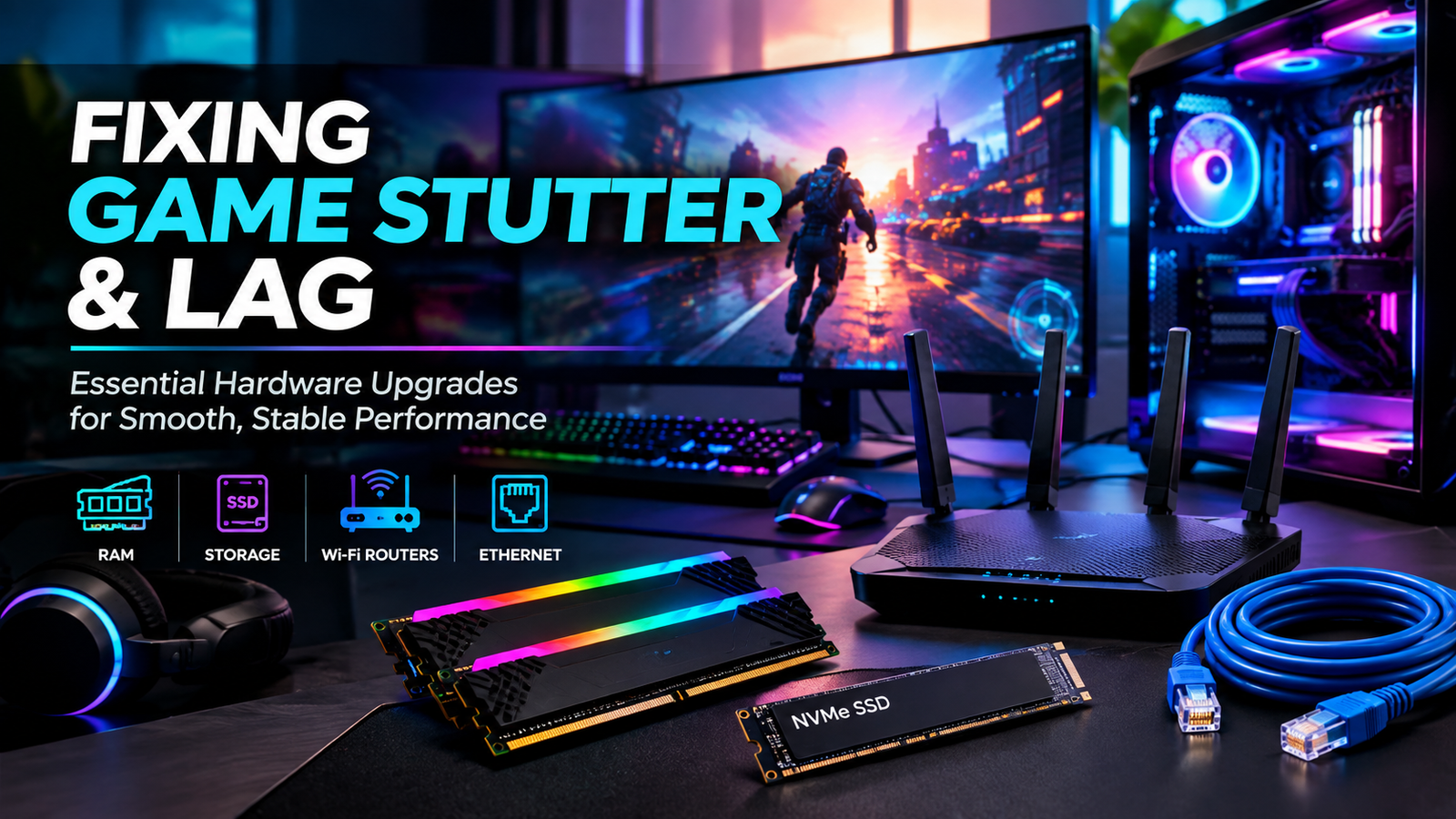
Fixing Game Stutter & Lag
Essential Hardware Upgrades for Smooth, Stable Performance
September 18, 2026
by Just Tech Me At

.svg.png)




Follow us on social media forfreebies and new article releases.
Table of Contents
- Introduction
- RAM Kits
- 1. Corsair Vengeance LPX 32GB DDR4
- 2. Kingston FURY Beast 32GB DDR4-3200 CL16
- NVMe SSD
- 3. Samsung 980 PRO NVMe SSD
- 4. WD_BLACK SN850X NVMe SSD
- Wi-Fi 6 Router
- 5. TP-Link Archer AX3000 Wi-Fi 6 Router
- 6. ASUS RT-AX3000 Wi-Fi 6 Router
- Mesh System
- 7. Google Nest WiFi Pro (Wi-Fi 6E Mesh)
- 8. eero 6+ Mesh System
- Ethernet Cable
- 9. Cable Matters Cat6 Ethernet Cable
- 10. Jadaol Cat6 Flat Ethernet Cable
- Conclusion
- Shop More Gaming Performance Gear*
- Visit Us On Pinterest
*As an Amazon Associate, I earn from qualifying purchases.
Introduction
Game stuttering and lag aren't always caused by your graphics card - they often come from hidden bottlenecks in memory, storage, networking, or even the way your home Wi-Fi is set up. Modern titles stream massive assets, rely on fast SSDs, and demand stable bandwidth to keep frame-times smooth. If any part of your system falls behind, you'll feel it instantly as hitching, micro-stutters, or delayed inputs. This guide highlights the most effective hardware upgrades for eliminating stutter, reducing latency, and creating a consistently smooth gaming experience. Each product is hand-selected to address a real performance bottleneck, from RAM capacity to NVMe speeds to Wi-Fi 6 routers and mesh systems.

Corsair Vengeance LPX 32GB DDR4 (2x16GB)
For gamers who want a reliable, low-profile DDR4 upgrade that reduces stutters, improves multitasking, and fits cleanly under large CPU coolers.
View on AmazonOverview
Stuttering and lag often come from running out of available system memory - especially in modern games with heavy textures, background apps, and browser tabs. Corsair's Vengeance LPX DDR4 line is known for broad compatibility, stable XMP profiles, and a low-profile heat spreader that fits easily under large air coolers. This 32GB kit provides the headroom needed for smooth frame-times, reduced hitching, and better multitasking during gameplay.
Key Features
- ⬦ Low-profile aluminum heat spreaders for cooler clearance
- ⬦ 32GB dual-channel kit (2x16GB)
- ⬦ Intel XMP support for one-click rated-speed setup
- ⬦ Clean, non-RGB design for understated builds
- ⬦ Broad DDR4 motherboard compatibility
Pros & Cons
Check Price on Amazon

Kingston FURY Beast 32GB DDR4-3200 CL16 (2x16GB)
For gamers who want a clean, low-profile DDR4 kit with balanced speed and latency - ideal for reducing frame-time spikes and improving multitasking.
View on AmazonOverview
Kingston's FURY Beast DDR4-3200 CL16 kit offers a balanced specification widely regarded as a sweet spot for DDR4 gaming systems. With low-profile heat spreaders and a matched 2x16GB configuration, it delivers smooth dual-channel performance and enough capacity to eliminate stutters caused by memory pressure. It's ideal for gamers who run Discord, Chrome, streaming tools, mods, and background apps while playing.
Key Features
- ⬦ 32GB dual-channel kit (2x16GB)
- ⬦ DDR4-3200 CL16 - balanced speed/latency
- ⬦ Low-profile 34mm heat spreaders
- ⬦ Intel XMP support for rated-speed setup
- ⬦ Lifetime warranty (varies by region)
Pros & Cons
Check Price on Amazon

Samsung 980 PRO NVMe SSD
For gamers upgrading from SATA or older NVMe drives who want dramatically faster load times, smoother asset streaming, and premium PCIe 4.0 performance.
View on AmazonOverview
Samsung's 980 PRO was one of the original PCIe 4.0 performance leaders, delivering up to 7,000 MB/s reads and 5,000 MB/s writes thanks to its Elpis controller, TLC V-NAND, and onboard DRAM cache. It's a major upgrade for gamers still using SATA SSDs or hard drives, dramatically reducing load times, installation times, and asset streaming stutter. It also works in PCIe 3.0 systems at reduced speeds, making it flexible for older builds.
Key Features
- ⬦ PCIe 4.0 x4 NVMe M.2 2280 SSD
- ⬦ Up to 7,000 MB/s read / 5,000 MB/s write
- ⬦ Samsung Elpis controller + TLC V-NAND
- ⬦ Onboard DRAM cache for sustained performance
- ⬦ AES 256-bit + TCG Opal encryption support
Pros & Cons
Check Price on Amazon

WD_BLACK SN850X NVMe SSD
For gamers who want one of the fastest PCIe 4.0 SSDs available - ideal for large game libraries, PS5 expansion, and ultra-fast load times.
View on AmazonOverview
The WD_BLACK SN850X is one of the strongest PCIe 4.0 SSDs on the market, delivering up to 7,300 MB/s reads, 6,300 MB/s writes, and exceptional random IOPS performance. It's built with TLC NAND, DRAM cache, and optional heatsink versions - including PS5-ready models. For gamers with massive libraries or creators who need sustained performance, the SN850X is a top-tier Gen4 choice.
Key Features
- ⬦ PCIe 4.0 x4 NVMe M.2 2280 SSD
- ⬦ Up to 7,300 MB/s read / 6,300 MB/s write
- ⬦ TLC NAND + DDR4 DRAM cache
- ⬦ Optional heatsink (PS5 compatible)
- ⬦ WD_BLACK Dashboard + gaming features
Pros & Cons
Check Price on Amazon

TP-Link Archer AX3000 Wi-Fi 6 Router
For gamers who want a reliable, budget-friendly Wi-Fi 6 upgrade that reduces latency spikes, improves throughput, and supports multiple devices without slowing down.
View on AmazonOverview
The Archer AX3000 is one of the best entry-level Wi-Fi 6 routers for gaming households. With dual-band AX3000 speeds, 160MHz channel support, and four Gigabit LAN ports, it delivers strong wireless performance and easy wired connectivity for PCs and consoles. Features like OFDMA, MU-MIMO, WPA3, and TP-Link HomeShield help reduce congestion and improve stability in busy homes.
Key Features
- ⬦ Dual-band Wi-Fi 6 (AX3000)
- ⬦ 160MHz 5GHz support for higher throughput
- ⬦ 1x Gigabit WAN + 4x Gigabit LAN ports
- ⬦ USB 3.0 port for basic network storage
- ⬦ OneMesh / EasyMesh expansion support
Pros & Cons
Check Price on Amazon

ASUS RT-AX3000 Wi-Fi 6 Router
For gamers who want deeper control over their network, device prioritization, and advanced QoS tools to reduce lag during heavy household usage.
View on AmazonOverview
The ASUS RT-AX3000 offers more advanced configuration options than typical entry-level routers. With gaming-oriented QoS, device prioritization, WPA3, and AiMesh compatibility, it's ideal for users who want hands-on control over traffic flow and future mesh expansion. Wi-Fi 6 features like OFDMA and MU-MIMO improve efficiency in busy homes with many connected devices.
Key Features
- ⬦ Dual-band Wi-Fi 6 (AX3000 class)
- ⬦ ASUS gaming QoS + device prioritization
- ⬦ AiMesh compatibility for whole-home coverage
- ⬦ OFDMA + MU-MIMO support
- ⬦ Advanced firmware with VPN, guest networks, and monitoring
Pros & Cons
Check Price on Amazon

Google Nest WiFi Pro (Wi-Fi 6E Mesh)
For larger homes and Google Home users who want simple, reliable Wi-Fi 6E mesh coverage with easy app-based management and smart-home integration.
View on AmazonOverview
Google Nest WiFi Pro is a tri-band Wi-Fi 6E mesh system that uses 2.4GHz, 5GHz, and the newer 6GHz band to reduce congestion and improve wireless stability. It integrates seamlessly with Google Home, supports Matter and Thread, and offers automatic security updates. Ideal for larger homes where a single router cannot reliably cover gaming areas, especially when newer devices can take advantage of the cleaner 6GHz spectrum.
Key Features
- ⬦ Tri-band Wi-Fi 6E (2.4GHz / 5GHz / 6GHz)
- ⬦ AXE5400 wireless rating (up to 5.4Gbps)
- ⬦ Two Gigabit Ethernet ports per node
- ⬦ Matter + Thread smart-home support
- ⬦ Google Home app management + auto updates
Pros & Cons
Check Price on Amazon

eero 6+ Mesh System (Wi-Fi 6)
For families and gamers who want dependable whole-home Wi-Fi 6 coverage with effortless setup, automatic management, and strong performance using 160MHz channels.
View on AmazonOverview
The eero 6+ is a dual-band Wi-Fi 6 mesh system designed for simplicity, reliability, and easy expansion. With support for 160MHz channels, Zigbee smart-home integration, and Ethernet backhaul, it's ideal for larger homes where a single router struggles. Gamers benefit most when connecting a PC or console directly to a nearby eero node via Ethernet for stable, low-latency performance.
Key Features
- ⬦ Dual-band Wi-Fi 6 mesh system
- ⬦ 160MHz channel support for higher throughput
- ⬦ Zigbee smart-home hub integration
- ⬦ Easy mesh expansion via eero app
- ⬦ Ethernet backhaul support for stable node-to-node links
Pros & Cons
Check Price on Amazon

Cable Matters Cat6 Ethernet Cable
For gamers who want a reliable, affordable wired connection that reduces Wi-Fi interference, improves stability, and supports Gigabit speeds with ease.
View on AmazonOverview
Cable Matters' Cat6 Ethernet cable is a dependable choice for gaming PCs, consoles, routers, switches, and mesh nodes. Cat6 supports Gigabit Ethernet and can handle 10Gbps on shorter runs, making it ideal for most home gaming setups. Its snagless boot design helps protect the connector tab and makes routing easier, while tighter pair twists reduce crosstalk compared to older Cat5e cables.
Key Features
- ⬦ Cat6 RJ45 Ethernet cable with snagless boot
- ⬦ Supports Gigabit Ethernet and 10GbE (short runs)
- ⬦ Reduced crosstalk vs Cat5e
- ⬦ Ideal for gaming PCs, consoles, routers, and mesh nodes
- ⬦ Widely available and inexpensive
Pros & Cons
Check Price on Amazon

Jadaol Cat6 Flat Ethernet Cable (with Clips)
For gamers who want a stable wired connection but prefer a cable that routes cleanly under rugs, along walls, or beneath desks without adding bulk.
View on AmazonOverview
Jadaol's flat Cat6 cable is designed for discreet routing along baseboards, under rugs, around door frames, or beneath gaming desks. It supports up to 10Gbps on short runs and includes mounting clips for clean cable management. Ideal for gamers who want wired stability without visible cable clutter, especially in rooms where round cables are harder to hide.
Key Features
- ⬦ Flat Cat6 Ethernet cable with RJ45 connectors
- ⬦ Supports up to 10Gbps (short runs)
- ⬦ 250MHz bandwidth
- ⬦ Thin 30AWG design for easy concealment
- ⬦ Includes mounting clips for clean routing
Pros & Cons
Check Price on Amazon
Conclusion
Stutter and lag rarely come from a single cause - they're the result of multiple components working together under load. By upgrading memory, storage, networking hardware, and your home's Wi-Fi layout, you eliminate the most common sources of frame-time spikes and connection instability. The products in this guide form a complete toolkit for smoother gameplay, faster loading, and more reliable online performance. Whether you're optimizing a high-end rig or improving a midrange setup, these targeted upgrades ensure your system stays responsive, stable, and ready for the demands of modern gaming.
Shop More Gaming Gear
*As an Amazon Associate, I earn from qualifying purchases.
