Just Tech Me At
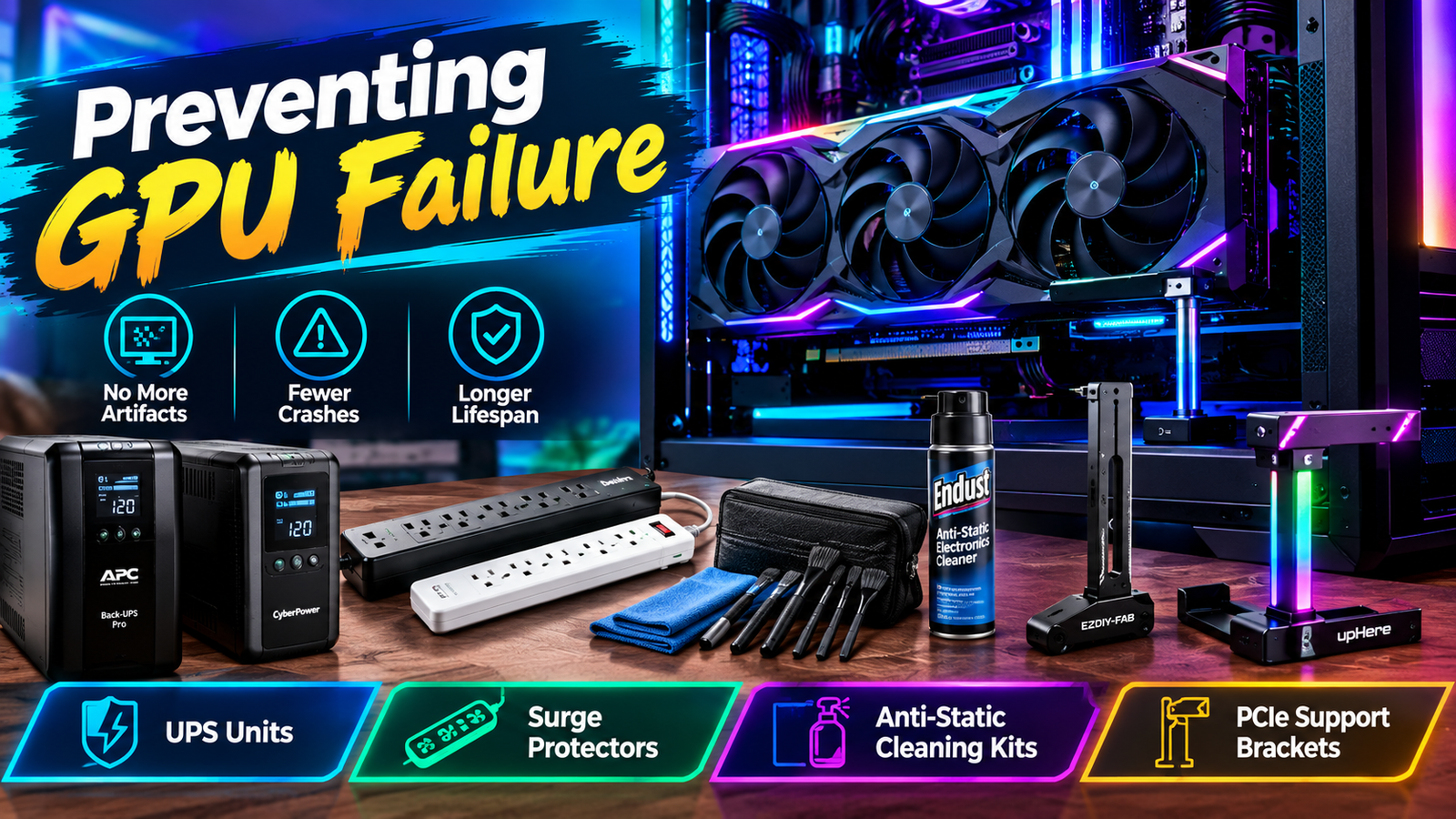
Preventing GPU Failure:
Essential Tools, Protection Gear, and Maintenance Products
Every PC Builder Needs
September 18, 2026
by Just Tech Me At

.svg.png)




Follow us on social media forfreebies and new article releases.
Table of Contents
- Introduction
- UPS Units
- 1. APC 1000VA/600W Pro UPS Battery Backup
- 2. CyberPower CP1500PFCLCD Pure Sine Wave UPS
- Surge Protector
- 1. Belkin 12-Outlet Surge Protector (8ft Cord)
- 2. GE 12-Outlet 4320-Joule Surge Protector
- Anti-Static Cleaning Kits
- 1. ESD Anti-Static Cleaning Brush Kit (10-Piece)
- 2. Endust Anti-Static Electronics Cleaner
- PCIe Support Brackets
- 1. EZDIY-FAB GPU Support Bracket
- 2. upHere 5V ARGB GPU Brace Support
- Conclusion
- Shop More PC Protection Gear*
- Visit Us On Pinterest
*As an Amazon Associate, I earn from qualifying purchases.
Introduction
Modern GPUs are engineering marvels - but they're also among the most vulnerable components in a PC. Power instability, dust buildup, thermal stress, and physical sag can all contribute to premature failure, random crashes, or long-term performance degradation. Preventing GPU failure isn't just about cooling; it requires a holistic approach to protecting your entire system. This guide highlights the essential tools and protection gear every PC builder should use, including UPS units, surge protectors, anti-static cleaning kits, and PCIe support brackets. Each product is selected to safeguard your GPU, CPU, motherboard, and power supply from the silent threats that shorten hardware lifespan.

APC 1000VA/600W Pro UPS Battery Backup
For the builder who refuses to let power instability silently degrade their GPU, CPU, or SSD - this UPS is your first line of defense.
View on AmazonOverview
Sudden outages, brownouts, and voltage spikes are among the most common causes of premature CPU and GPU failure. The APC 1000VA/600W Pro UPS stabilizes incoming power before it ever reaches your PC - preventing corrupted firmware, VRM stress, and PSU instability. With Automatic Voltage Regulation (AVR), a crisp LCD status panel, and enough battery capacity to safely shut down even high-end systems, this UPS is the "silent guardian" every workstation deserves.
Key Features
- ⬦ 1000VA/600W capacity - ideal for gaming PCs & workstations
- ⬦ Automatic Voltage Regulation (AVR) prevents brownout damage
- ⬦ LCD display for real-time load, battery, and event monitoring
- ⬦ 8 total outlets (battery + surge protection)
- ⬦ Replaceable battery for long-term reliability
Pros & Cons
Check Price on Amazon

CyberPower CP1500PFCLCD PFC Sinewave UPS
For the serious builder who knows that one power surge can destroy a $1,000 CPU or GPU instantly - and refuses to take that risk.
View on AmazonOverview
The CP1500PFCLCD is the gold standard for builders who demand pure sine wave output - the safest possible power delivery for modern active-PFC power supplies. Voltage spikes and brownouts can corrupt CPU microcode, damage VRMs, and degrade GPU power stages. With 1500VA/1000W capacity, AVR stabilization, a tilting LCD panel, and a generous 12-outlet layout, this UPS is the closest thing to a hardware insurance policy you can buy.
Key Features
- ⬦ 1500VA / 1000W pure sine wave output - ideal for active-PFC PSUs
- ⬦ 12 outlets (6 battery + 6 surge)
- ⬦ Automatic Voltage Regulation (AVR) stabilizes incoming power
- ⬦ Tilting color LCD for real-time monitoring
- ⬦ $500,000 Connected Equipment Guarantee
Pros & Cons
Check Price on Amazon

Belkin 12-Outlet Surge Protector (8ft Flat Plug)
For the builder who wants maximum outlet capacity, long-reach cable management, and reliable surge protection for high-end CPUs and GPUs.
View on AmazonOverview
Power spikes and transient surges can silently degrade CPU VRMs, motherboard traces, and GPU power stages. The Belkin 12-Outlet Surge Protector delivers robust protection with a heavy-duty 8ft cord, widely spaced outlets, and a durable housing designed for multi-device setups. Its high joule rating shields sensitive PC components from unpredictable electrical events - a critical safeguard for long-term system stability.
Key Features
- ⬦ 12 AC outlets - ideal for full PC + accessory setups
- ⬦ Heavy-duty 8ft flat plug extension cord
- ⬦ High joule protection rating for CPU/GPU safety
- ⬦ Widely spaced outlets for large power bricks
- ⬦ Durable Belkin build quality with overload protection
Pros & Cons
Check Price on Amazon

GE 12-Outlet Surge Protector (4320 Joules)
For the builder who wants maximum surge absorption - the highest joule rating in its class for protecting premium CPUs and GPUs.
View on AmazonOverview
With an enormous 4320-joule protection rating, the GE 12-Outlet Surge Protector is engineered for high-risk electrical environments. This level of surge absorption shields CPUs, GPUs, and motherboards from catastrophic voltage spikes. The addition of tethered USB ports makes it ideal for builders who want both high-capacity protection and convenient device charging in a single unit.
Key Features
- ⬦ Massive 4320-joule protection rating
- ⬦ 12 outlets with wide spacing
- ⬦ 2 tethered USB ports for charging
- ⬦ 8ft extension cord for flexible placement
- ⬦ Integrated circuit breaker for overload protection
Pros & Cons
Check Price on Amazon

ESD Anti-Static Cleaning Brush Kit (10-Piece)
For the builder who wants a complete, ESD-safe toolkit for cleaning keyboards, circuit boards, GPUs, and delicate electronics without risking static discharge.
View on AmazonOverview
Dust buildup on CPU sockets, GPU PCBs, and motherboard components can cause thermal inefficiency and even micro-shorts. This 10-piece ESD-safe brush kit provides multiple bristle sizes and stiffness levels, allowing precise cleaning of fans, heatsinks, VRM areas, ports, and circuit boards. The included zipper pouch keeps everything organized, making it ideal for builders who maintain multiple systems or perform regular deep-cleaning.
Key Features
- ⬦ 10-piece ESD-safe brush set for electronics
- ⬦ Multiple brush sizes for fans, PCBs, ports, and sockets
- ⬦ Anti-static bristles prevent micro-shorts
- ⬦ Includes zipper pouch for organized storage
- ⬦ Ideal for GPU fins, CPU coolers, and motherboard cleaning
Pros & Cons
Check Price on Amazon

Endust Anti-Static Electronics Cleaner
For builders who want a safe, anti-static spray to clean monitors, PC cases, keyboards, and electronics without leaving residue or attracting dust.
View on AmazonOverview
Static buildup on PC surfaces and peripherals can attract dust and increase the risk of micro-static discharge. Endust's anti-static formula removes fingerprints, grime, and dust while reducing static cling - making it ideal for cleaning monitors, tempered-glass cases, keyboards, and external components. It's safe for plastics, metal housings, and coated screens, making it a versatile addition to any builder's maintenance kit.
Key Features
- ⬦ Anti-static formula reduces dust attraction
- ⬦ Safe for monitors, PC cases, keyboards, and peripherals
- ⬦ Removes fingerprints, oils, and grime
- ⬦ Non-abrasive and residue-free
- ⬦ Ideal companion to ESD brush kits
Pros & Cons
Check Price on Amazon

EZDIY-FAB GPU Support Bracket
For the builder who wants a clean, sturdy, no-nonsense GPU anti-sag solution that protects PCIe slots and heavy graphics cards from long-term stress.
View on AmazonOverview
Modern GPUs - especially RTX 3080, 3090, and 4090 class cards - exert significant downward pressure on PCIe slots. Over time, this can cause PCB flex, connector wear, and even intermittent crashes. The EZDIY-FAB GPU Support Bracket provides a stable, adjustable platform that prevents sag and maintains proper alignment. Its aluminum build, magnetic base, and clean aesthetic make it a favorite among builders who want reliability without RGB flash.
Key Features
- ⬦ Adjustable height for universal GPU compatibility
- ⬦ Aluminum alloy construction for long-term durability
- ⬦ Magnetic base for secure placement
- ⬦ Supports heavy GPUs (RTX 30/40 series)
- ⬦ Minimalist design fits any build aesthetic
Pros & Cons
Check Price on Amazon

upHere 5V Addressable RGB GPU Brace
For the builder who wants reliable GPU anti-sag protection with synchronized 5V ARGB lighting that integrates seamlessly into modern PC builds.
View on AmazonOverview
The upHere 5V ARGB GPU Brace combines functional GPU support with customizable lighting. Its adjustable height accommodates nearly any graphics card, while the 5V ARGB header syncs with motherboard lighting ecosystems like ASUS Aura, MSI Mystic Light, and Gigabyte RGB Fusion. This makes it ideal for builders who want both protection and visual flair without compromising stability.
Key Features
- ⬦ Built-in 5V ARGB lighting (motherboard sync)
- ⬦ Adjustable height for universal GPU fit
- ⬦ Acrylic support surface for clean lighting diffusion
- ⬦ Supports heavy GPUs including RTX 40 series
- ⬦ Easy installation with included hardware
Pros & Cons
Check Price on Amazon
Conclusion
A stable, well-protected PC lasts longer, performs better, and avoids the costly surprises that come from overlooked maintenance. By combining reliable power protection, proper cleaning tools, and structural GPU support, you dramatically reduce the risk of failure across your entire system. The products in this guide form a complete protection ecosystem designed to keep your GPU running cool, stable, and secure for years to come. Whether you're building your first PC or maintaining a high-end workstation, these tools ensure your hardware stays safe from the hidden dangers that cause premature component failure.
Shop More Gaming Gear
*As an Amazon Associate, I earn from qualifying purchases.
