Just Tech Me At
Best Smart Home Devices for Beginners
March 17, 2026
by Just Tech Me At
*As an Amazon Associate, I earn from qualifying purchases.*

.svg.png)



Follow us on social media for
freebies and new article releases.
Table of Contents
-
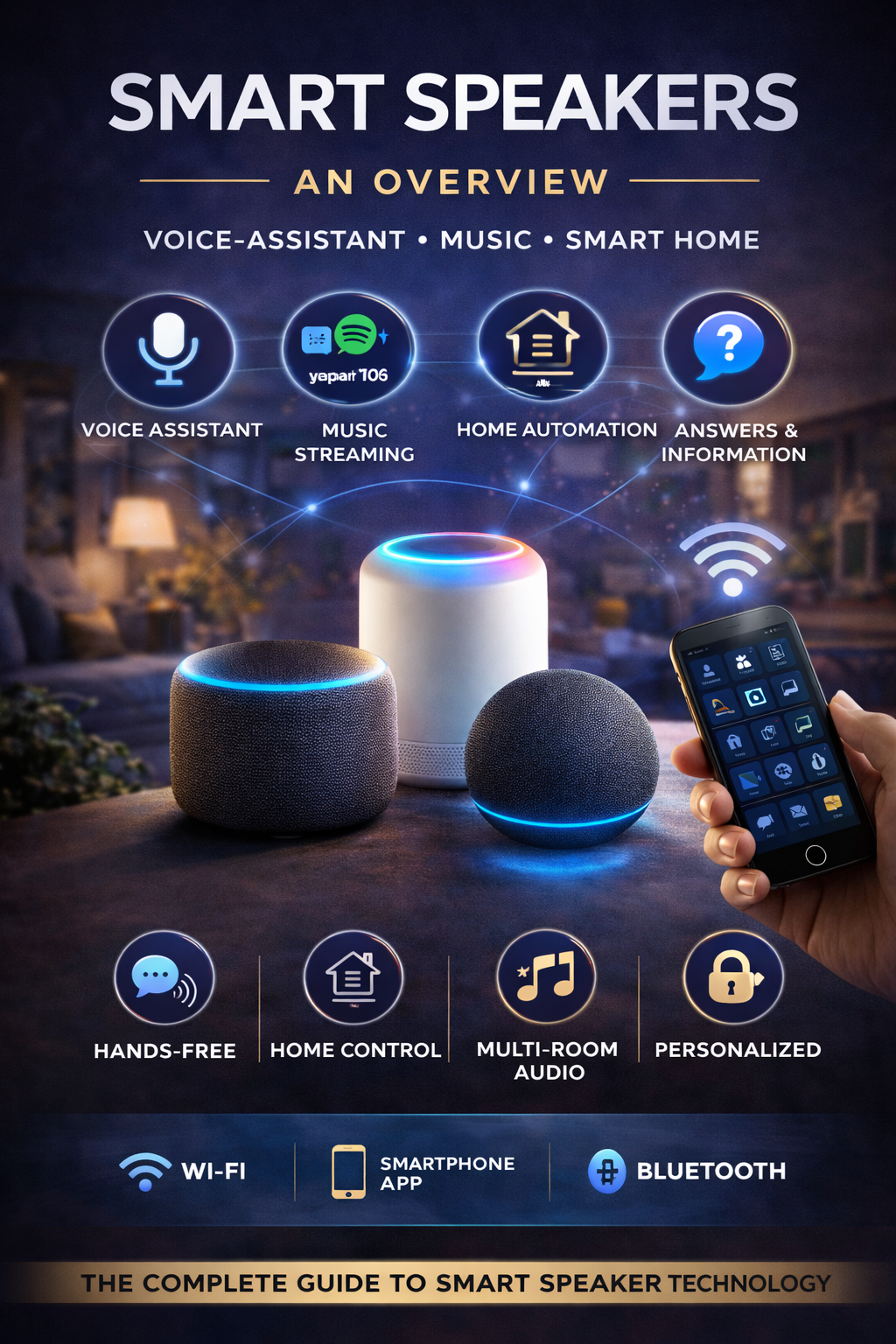
Smart Speakers & Displays
Amazon Echo Pop
Amazon Echo (4th Gen)
Google Nest Mini
Google Nest Hub Max
Apple HomePod mini
Smart Lighting
Philips Hue White & Color Ambiance
TP-Link Tapo L530E
Lutron Caséta
TP-Link Kasa Smart Switch
Smart Plugs
TP-Link Kasa HS103 Smart Plug
Eve Energy
Smart Thermostats
Google Nest Thermostat
ecobee Smart Thermostat Premium
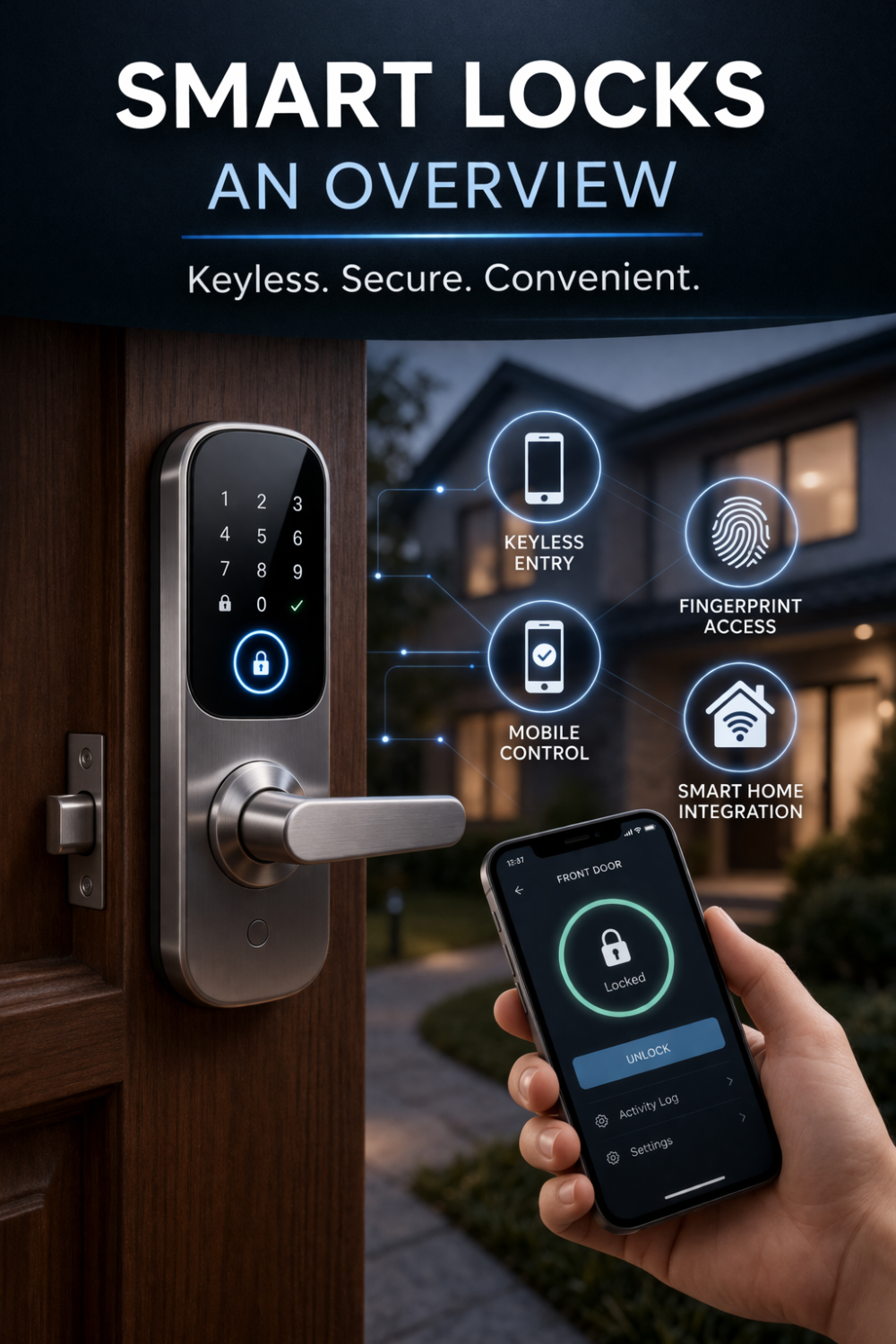
Smart Locks
August Wi-Fi Smart Lock
Yale Assure Lock 2
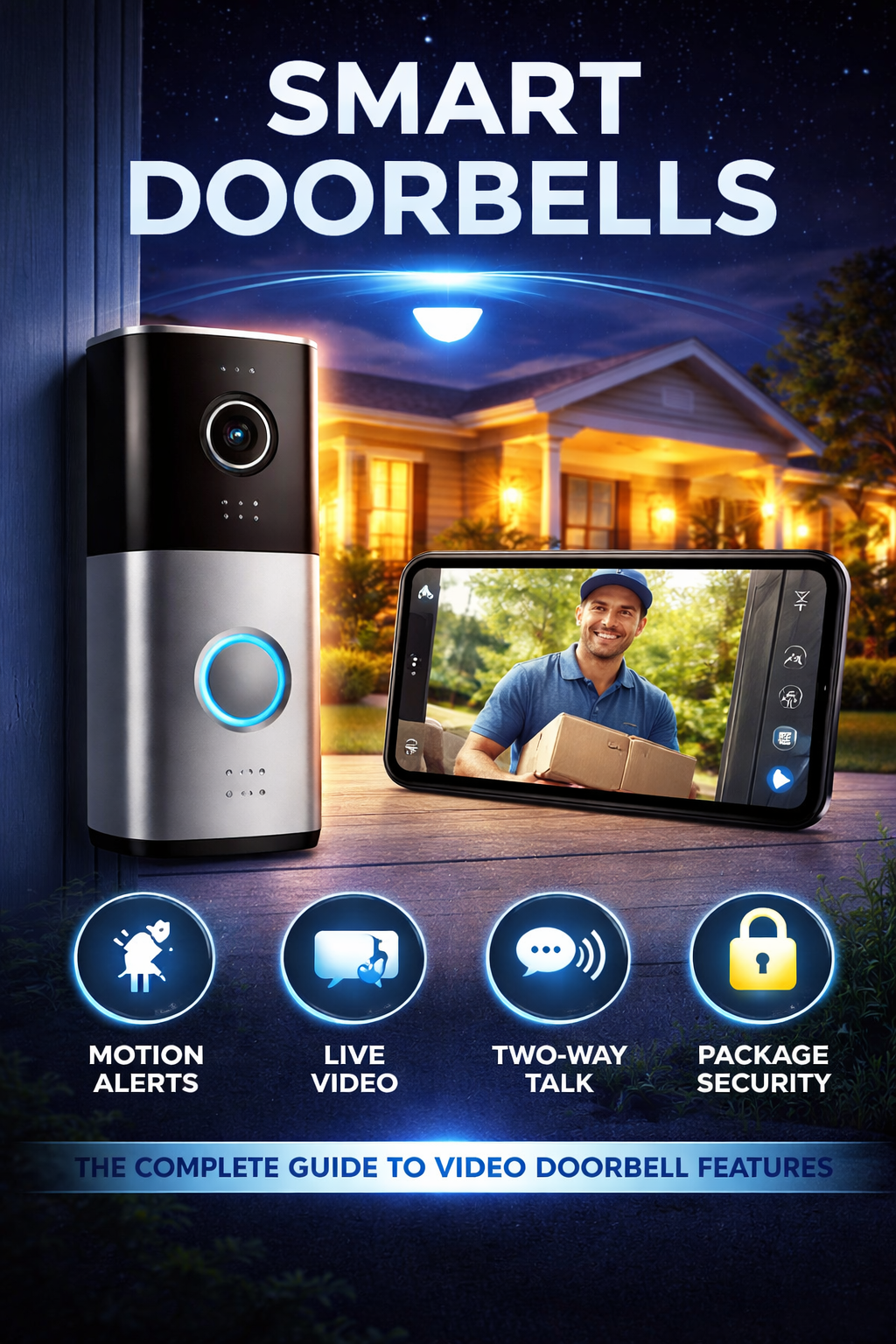
Smart Cameras & Video Doorbells
Ring Battery Doorbell
Ring Video Doorbell Wired
Google Nest Doorbell
Eufy Security Camera
Matter / Future-Ready Devices
Nanoleaf Essentials Matter Bulb
Final Thoughts
Related Articles
Shop More Smart Devices*
Visit Us On Pinterest
Spotify
Browse Beginner Smart Devices
Introduction
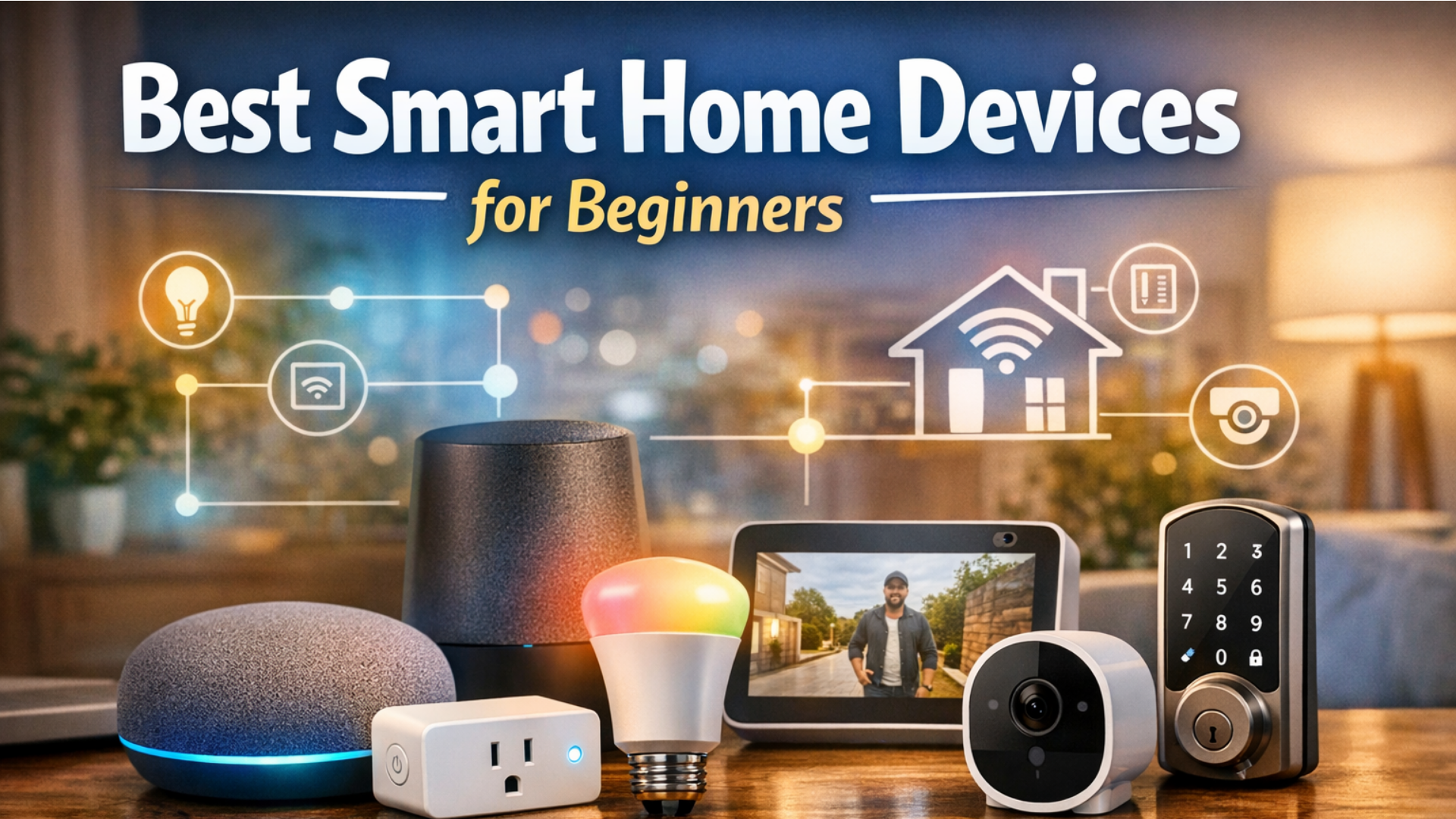
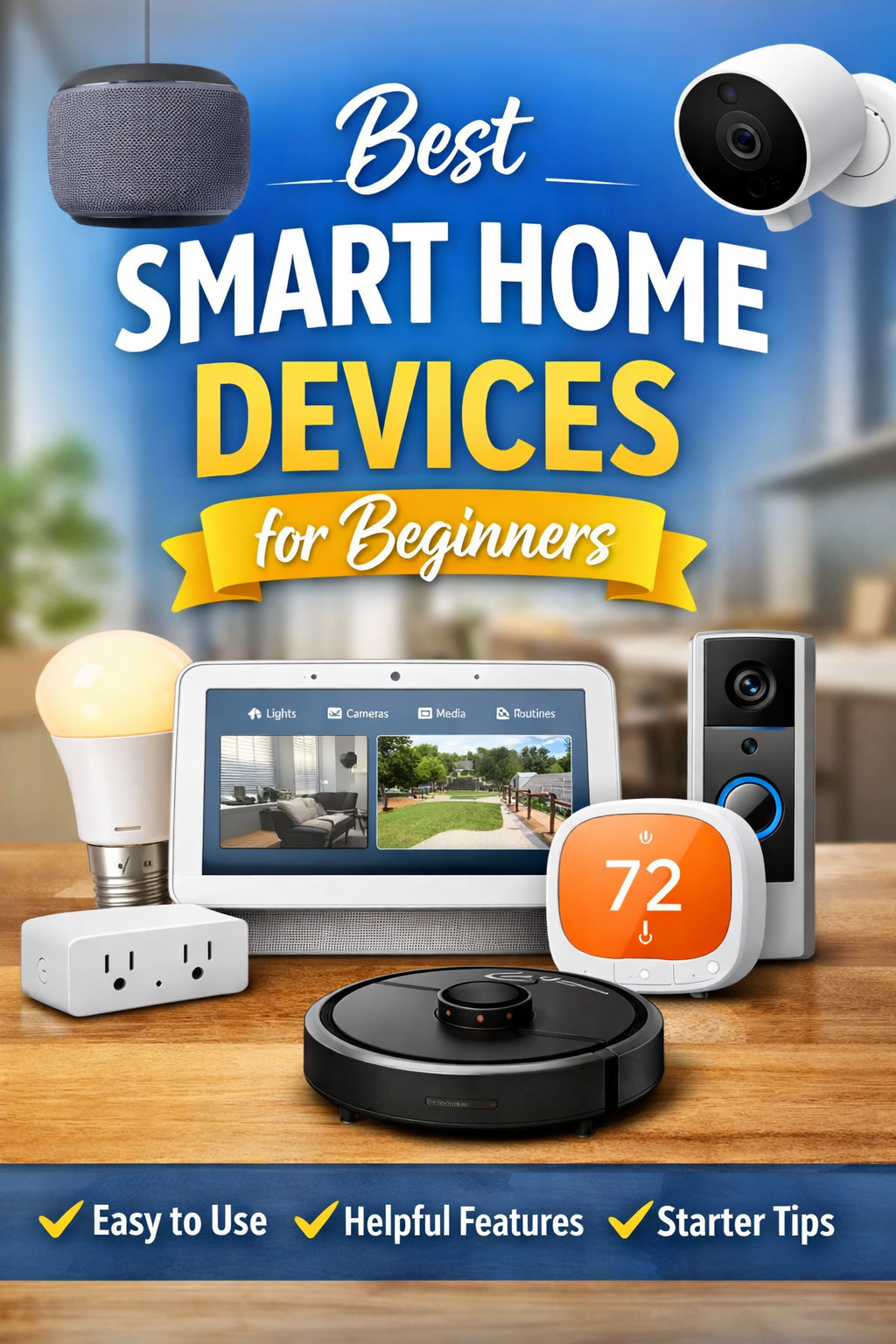
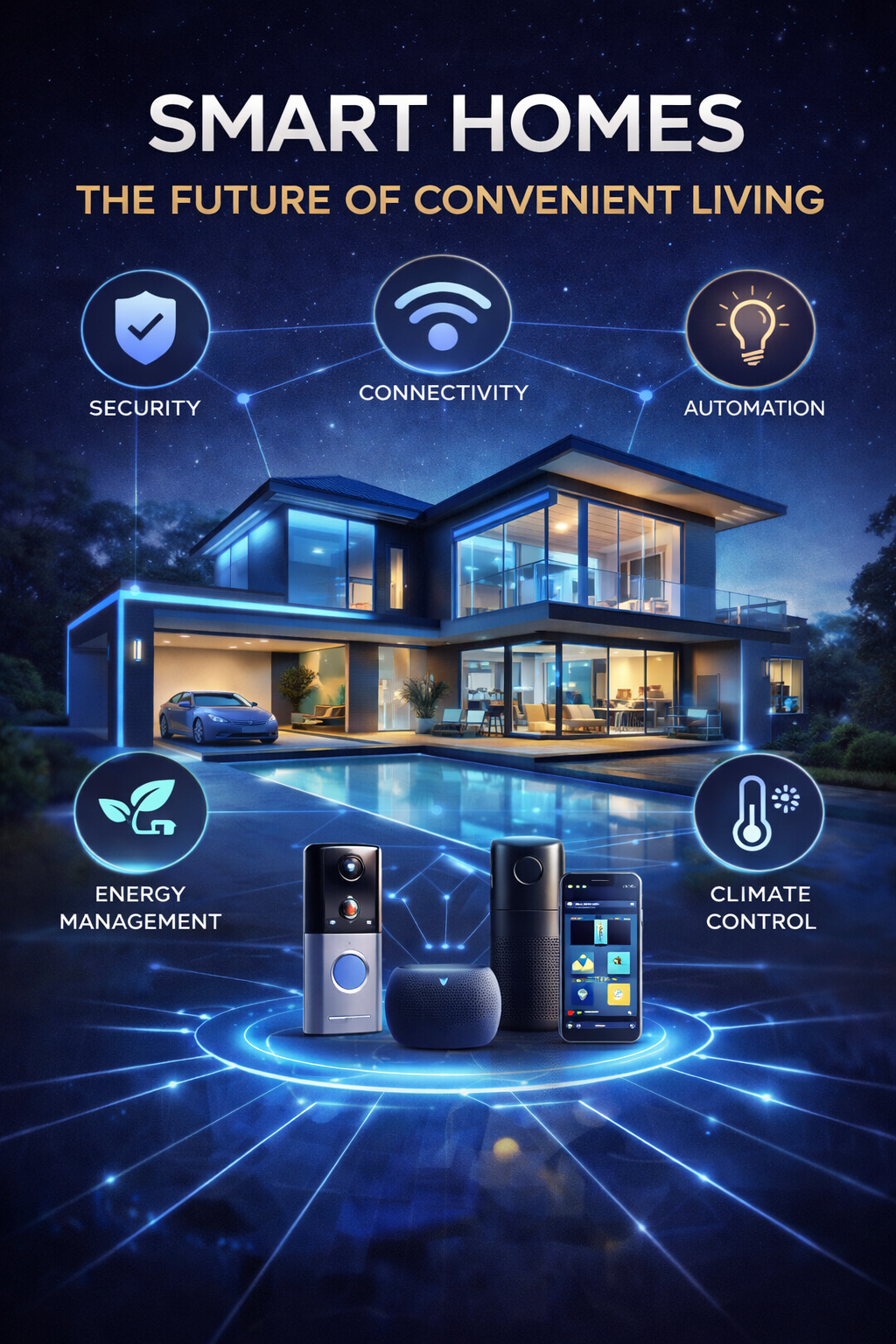
Smart home technology is much more beginner-friendly than it used to be. Today's best starter devices are easier to install, simpler to manage through well-designed apps, and more likely to work across major ecosystems like Amazon Alexa, Google Home, and Apple Home. For most people, the best way to begin is not by trying to automate the entire house at once, but by choosing a few products that solve everyday problems in a simple, reliable way.
The products in this guide were selected because they offer a strong balance of ease of setup, practical usefulness, ecosystem compatibility, and overall value. Devices like the Amazon Echo Pop, Amazon Echo (4th Gen), Google Nest Mini, Google Nest Hub Max, and Apple HomePod mini are excellent starting points because they act as simple voice-control centers for the rest of your smart home. They let beginners control lights, plugs, and routines without needing to understand complicated automation systems right away.
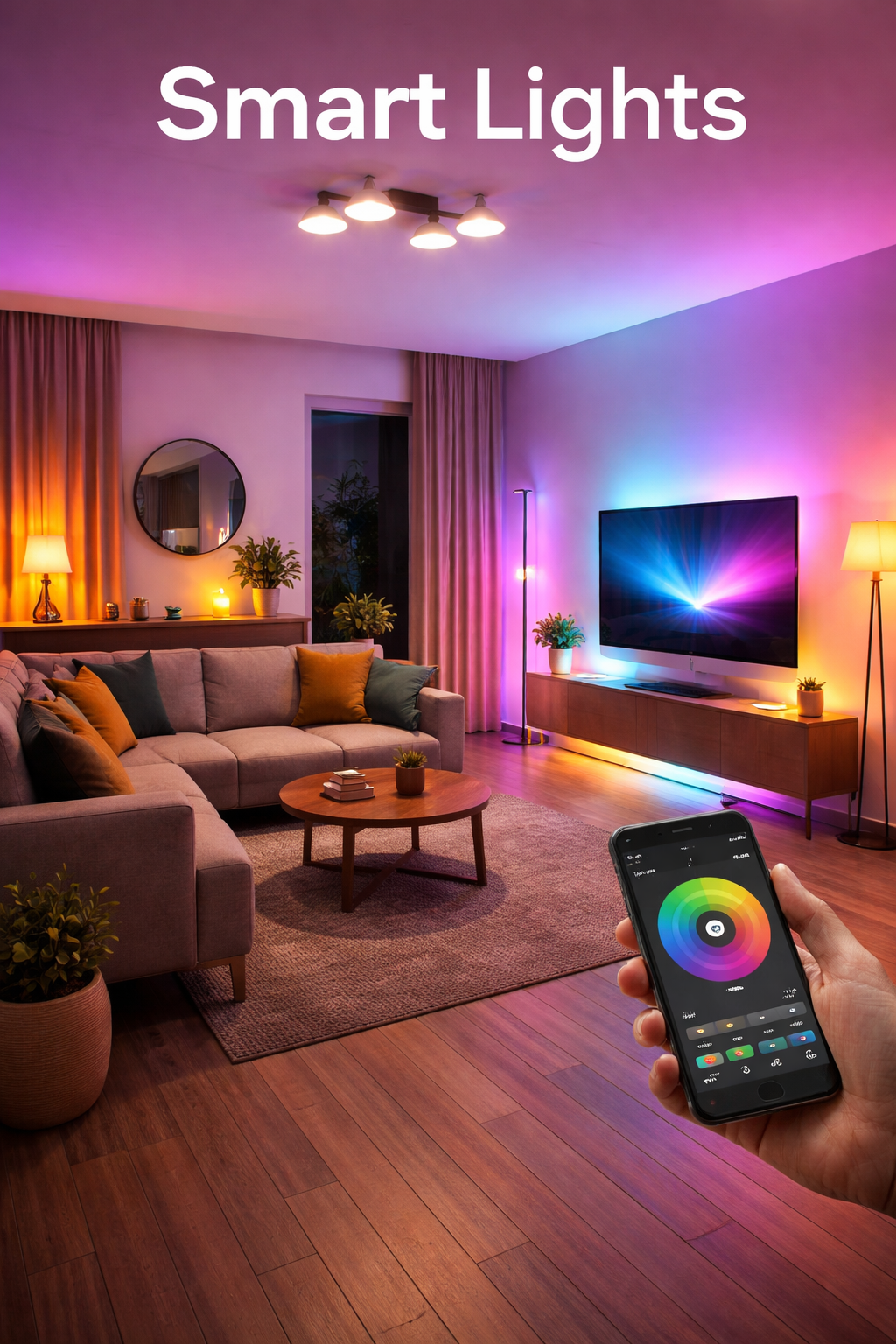
Lighting is another easy and rewarding place to start. Products such as the Philips Hue White & Color Ambiance and TP-Link Tapo L530E make it easy to add smart control to lamps and living spaces, while switches like Lutron Caséta and the TP-Link Kasa Smart Switch are great options for people who want to control full-room lighting more efficiently. These products are beginner-friendly because they deliver an immediate "wow" factor with minimal learning curve.
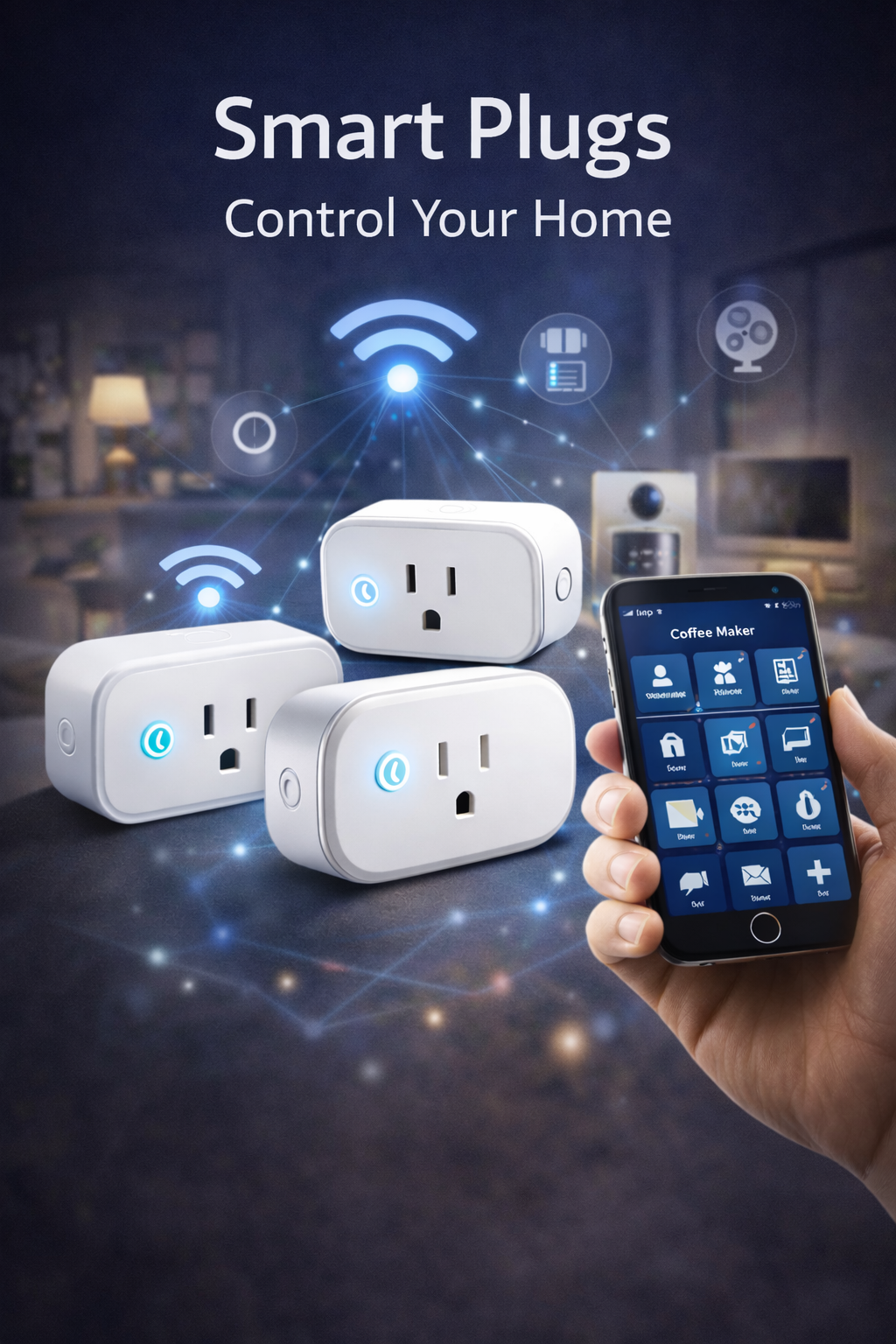
Smart plugs are some of the most practical first purchases because they make ordinary devices smarter without replacing them. The TP-Link Kasa HS103 Smart Plug and Eve Energy are strong examples of devices that let beginners automate lamps, fans, and small appliances with very little effort. They are affordable, useful, and a low-risk way to learn how schedules, routines, and app control work in daily life.
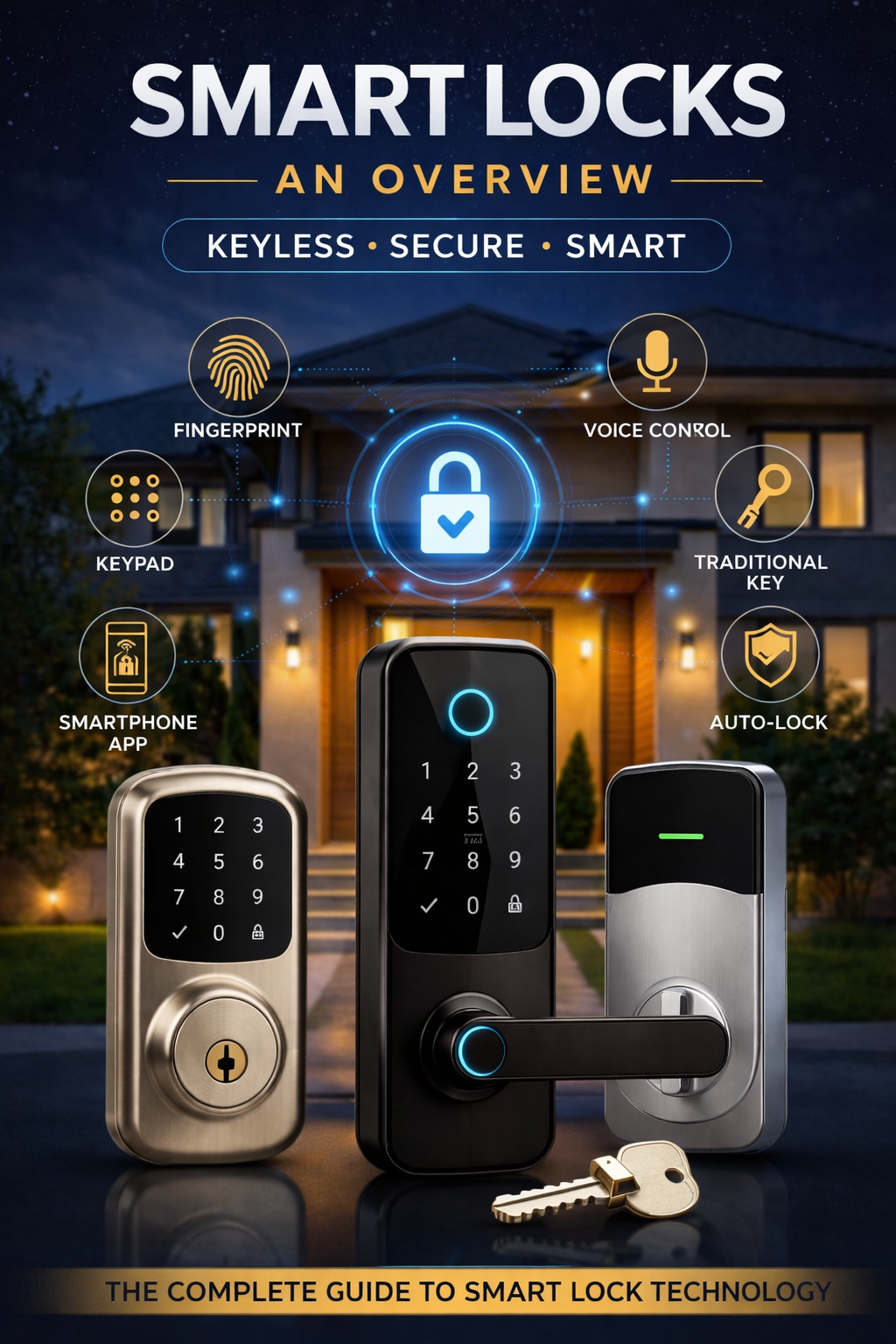
For buyers ready to go a step further, smart thermostats such as the Google Nest Thermostat and ecobee Smart Thermostat Premium offer comfort and potential energy savings, while smart locks like the August Wi-Fi Smart Lock and Yale Assure Lock 2 add convenience and more flexible home access. These are considered good beginner products because they focus on practical everyday benefits rather than novelty alone.
Security devices can also be a smart starting point when chosen carefully. The Ring Battery Doorbell, Ring Video Doorbell Wired, Google Nest Doorbell, and Eufy Security Camera help beginners add awareness at key entry points without overcomplicating the setup. Instead of covering the entire home with cameras, many first-time buyers get the best experience by starting with one doorbell or one camera in a high-value location.
Finally, products like the Nanoleaf Essentials Matter Bulb reflect why smart home technology is becoming more approachable overall. Matter- and Thread-ready devices help reduce compatibility headaches and make it easier for beginners to grow their setup over time. Taken together, the products in this guide stand out because they are practical, widely supported, and easy to live with-exactly the qualities that make smart home technology feel helpful instead of overwhelming.
Amazon Echo Pop
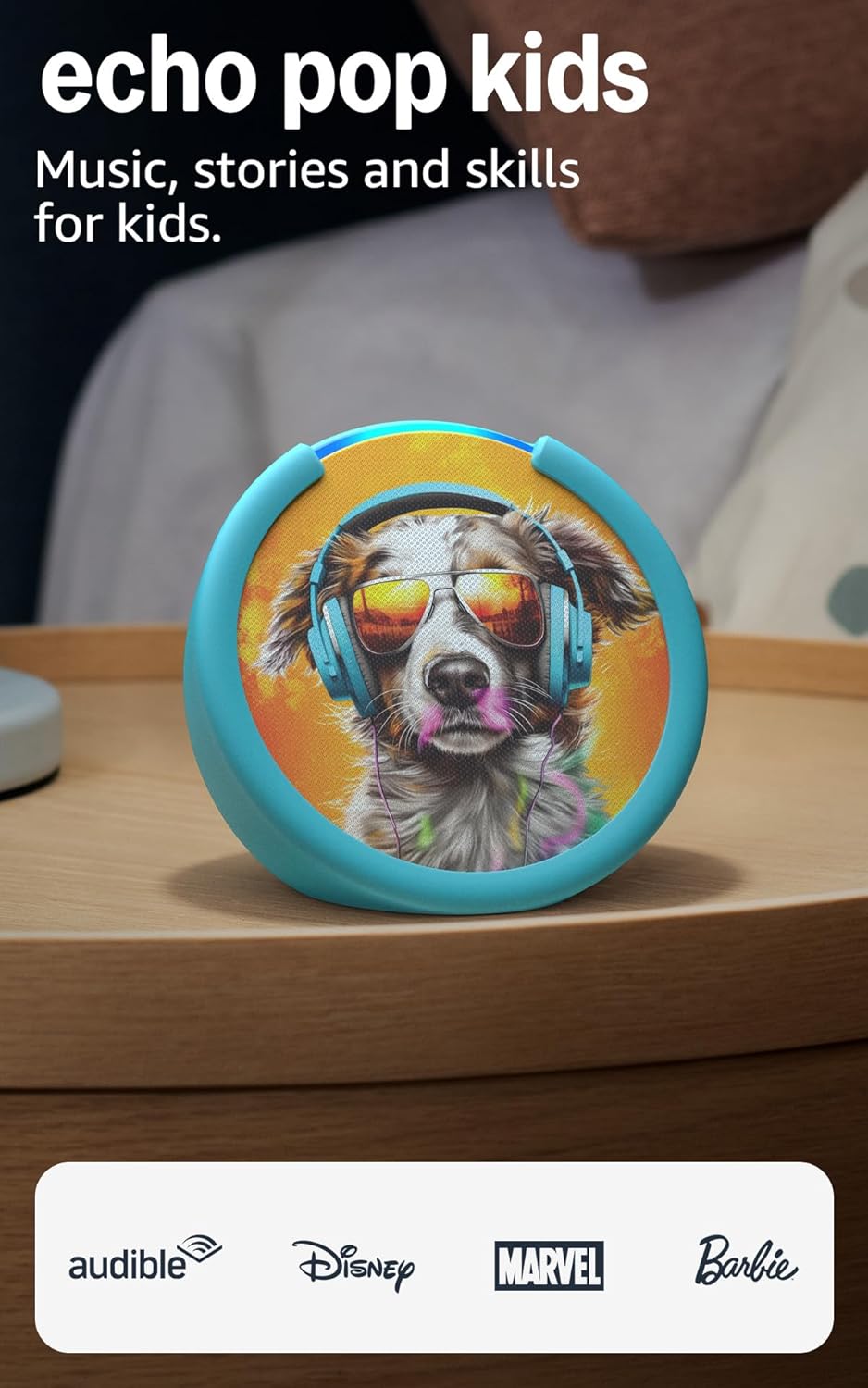
Best compact starter speaker for Alexa homes - Affordable voice control for small rooms
Echo Pop is a simple first step into smart home control. It is small, inexpensive, and ideal for bedrooms, dorm rooms, or apartments where you want Alexa routines, timers, music, and control of compatible lights and plugs without spending much.
Key Features
Pros
- Budget-friendly way to start a smart home.
- Small footprint fits almost anywhere.
- Strong Alexa ecosystem support for beginner automations.
Cons
- Not the best choice if you want fuller sound.
- Fewer built-in smart home extras than larger Echo models.
Amazon Echo (4th Gen)

Best all-around Alexa speaker for beginners - Better sound plus built-in smart home extras
The full-size Echo is a stronger everyday choice if you want richer audio and a little more smart-home flexibility. It stands out for combining premium sound with features like a built-in smart home hub and temperature sensor for simple automations.
Key Features
Pros
- More capable than the cheapest smart speakers.
- Useful for beginner routines tied to room temperature.
- Strong value if you want both smart home control and better audio.
Cons
- Larger than the Echo Pop or Nest Mini.
- Still best suited to users comfortable with the Alexa ecosystem.
Google Nest Mini

Best budget speaker for Google users - Small, simple, and easy to live with
Nest Mini is a natural fit for people already using Android, Google Calendar, or Google services throughout the day. It offers easy voice control, helpful answers, and a low-cost entry point into Google Home automations.
Key Features
Pros
- Easy choice for Android and Google households.
- Affordable way to start voice control.
- Small enough for multi-room use.
Cons
- Limited audio performance compared with larger speakers.
- No display for camera feeds or visual controls.
Google Nest Hub Max

Best large smart display for Google homes - Bigger screen, better sound, and built-in camera convenience
Nest Hub Max is a strong choice for people who want a more capable smart display at the center of a Google-based home. It combines voice control with a large touchscreen, making it useful for viewing compatible cameras, managing lights and routines, watching video, following recipes, and handling everyday household tasks from one place.
Key Features
Pros
- Larger display makes smart home management easier at a glance.
- Better speaker performance than smaller smart displays.
- Useful for kitchens, family spaces, and homes that want video calling support.
Cons
- Larger footprint than the smaller Nest Hub model.
- Best experience comes from leaning into the Google ecosystem.
Apple HomePod mini

Best starter hub for Apple households - Clean Home app integration and strong privacy posture
HomePod mini is the easiest smart speaker to recommend to iPhone-first households. It works naturally with Apple Home, supports home hub functions, and helps bring Matter and Thread devices into a more seamless Apple-centered setup.
Key Features
Pros
- Excellent fit for iPhone, iPad, and Mac users.
- Strong privacy and security reputation.
- Great foundation for Apple Home and Matter devices.
Cons
- Most appealing if you already use Apple devices heavily.
- Siri and Apple Home accessory support can feel narrower than Alexa's broad catalog.
Philips Hue White & Color Ambiance

Best premium smart bulb system for beginners - Reliable, scalable, and polished
Philips Hue remains one of the most dependable ways to start smart lighting. It works well for a single lamp today and can scale into a whole-home lighting system later, especially if you add the Hue Bridge for stronger automation and broader platform support.
Key Features
Pros
- One of the most polished smart lighting systems available.
- Excellent app experience and automation depth.
- Easy to grow from one room to many.
Cons
- More expensive than budget Wi-Fi bulbs.
- Bridge adds cost if you want the fullest experience.
TP-Link Tapo L530E

Best budget smart bulb for first-time buyers - No hub required and easy to try
Tapo L530E is a practical first smart bulb because it avoids the extra cost and complexity of a dedicated lighting hub. It is a good fit when you want an inexpensive way to test schedules, voice control, and color lighting in one or two rooms.
Key Features
Pros
- Low-cost entry into smart lighting.
- Straightforward setup for beginners.
- Good choice for renters or single-room upgrades.
Cons
- Not as deep or polished an ecosystem as Hue.
- Wi-Fi bulb setups can become less elegant if you expand heavily room by room.
Lutron Caséta

Best premium smart switch system for whole-room lighting - Excellent reliability for serious use
Lutron Caséta is a top pick when you want to make a room smart without relying on smart bulbs in every socket. It is especially attractive for homes where wall-switch control matters and you want dependable schedules, app control, and voice integration.
Key Features
Pros
- Excellent long-term lighting control platform.
- Great for multi-bulb fixtures and shared circuits.
- Popular choice when reliability matters most.
Cons
- Usually more expensive than Wi-Fi switches.
- Not as beginner-simple as swapping in a bulb or plug.
TP-Link Kasa Smart Switch

Best budget smart switch option - Good value for basic wall-switch upgrades
Kasa smart switches are appealing if you want to control a whole ceiling fixture or room without buying several smart bulbs. They are usually easier on the budget than premium switch systems and make sense for simple scheduled lighting or voice-controlled everyday use.
Key Features
Pros
- More affordable than premium switch systems.
- Useful for overhead lights and multi-bulb fixtures.
- Practical path to smart lighting without changing bulbs.
Cons
- Installation is more involved than plugs or bulbs.
- Wiring requirements can make it a tougher beginner project.
TP-Link Kasa HS103 Smart Plug

Best beginner smart plug for value - Simple automation for everyday lamps and appliances
Smart plugs are often the easiest smart-home win, and Kasa's HS103 style plug is a classic example. It is an easy way to put lamps, fans, or holiday lights on a schedule and start using routines without changing wiring or fixtures.
Key Features
Pros
- One of the easiest smart home devices to start with.
- Inexpensive and widely useful.
- Great for lamps, fans, and seasonal lighting.
Cons
- Limited to on/off control rather than dimming.
- Best for lighter-duty uses, not every large appliance.
Eve Energy

Best smart plug for Apple and Matter users - Strong privacy and energy monitoring
Eve Energy is a more premium smart plug choice for buyers who care about Matter, Thread, and a cleaner privacy story. It is especially appealing in Apple-centric homes, but its Matter support makes it more flexible across platforms than older Apple-only accessories.
Key Features
Pros
- Excellent fit for Apple Home and modern Matter setups.
- Energy monitoring adds real household value.
- Strong choice for future-proofing a beginner setup.
Cons
- Costs more than basic Wi-Fi plugs.
- Best experience comes with a compatible Matter controller and Thread border router.
Google Nest Thermostat
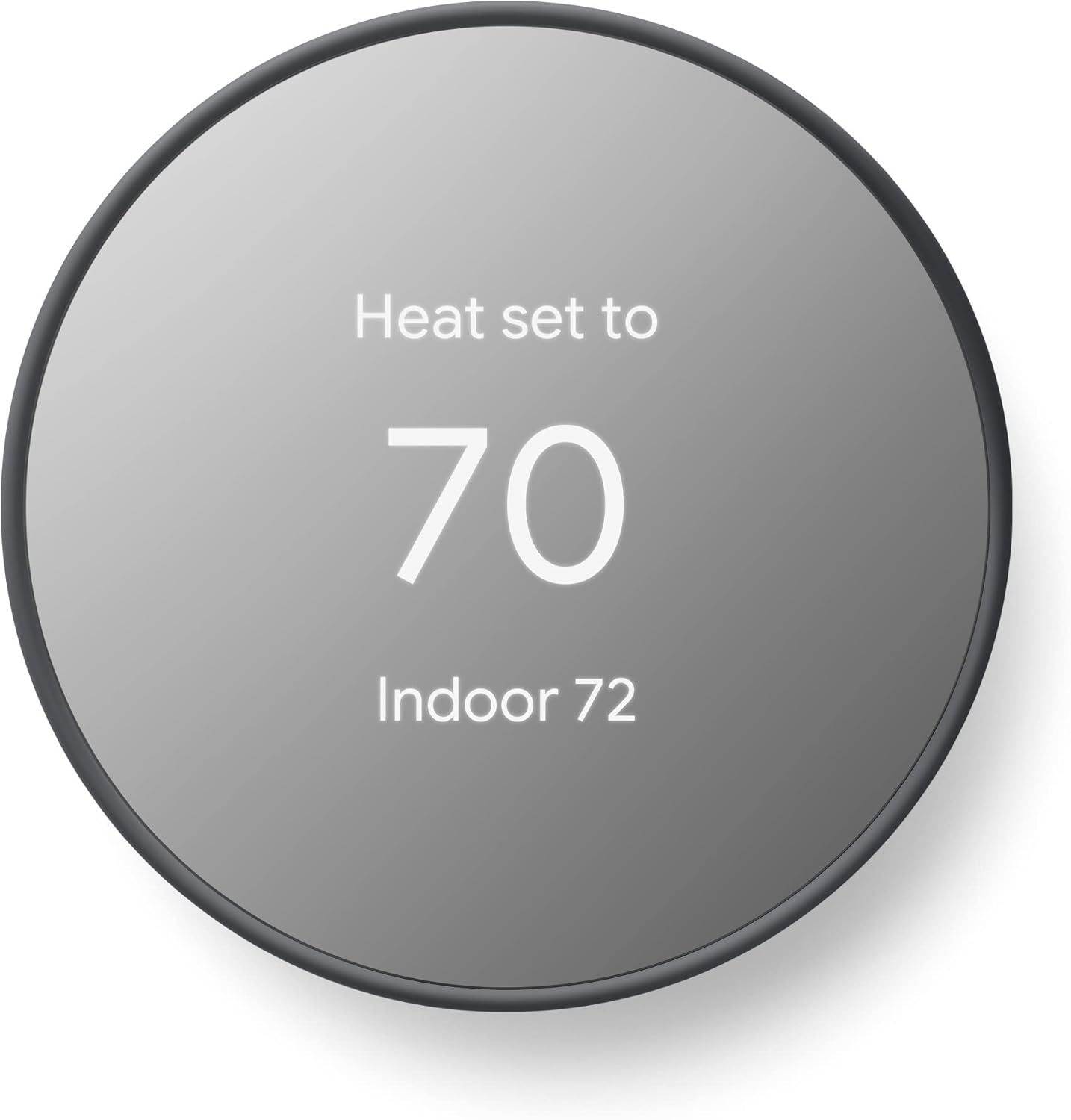
Best beginner smart thermostat for simplicity - Straightforward scheduling and energy-saving basics
Nest Thermostat is a strong entry point for homeowners who want app-based temperature control without overcomplicating things. It focuses on the core benefits most beginners want: remote access, simple schedules, and energy-saving behavior when the home is empty.
Key Features
Pros
- Easy to understand for first-time thermostat buyers.
- Useful savings-oriented features without too much complexity.
- Clean app experience for remote control and schedules.
Cons
- HVAC compatibility still needs to be checked before purchase.
- Less feature-rich than higher-end thermostat models.
ecobee Smart Thermostat Premium

Best advanced thermostat for growing smart homes - More features for comfort-focused buyers
ecobee Smart Thermostat Premium is better for buyers who want more than basic scheduling. It is a more ambitious option that leans into comfort balancing, added sensors, and a more feature-rich approach to home climate management.
Key Features
Pros
- Strong feature set for users with bigger smart home plans.
- Helpful for households that care about room comfort and optimization.
- Frequently considered a premium thermostat choice.
Cons
- Higher price than simpler entry-level thermostats.
- Can be more than a true beginner needs on day one.
August Wi-Fi Smart Lock

Best retrofit smart lock for beginners - Keeps your existing deadbolt hardware on the outside
August's Wi-Fi Smart Lock is attractive for first-time smart-lock buyers because it upgrades the inside of your deadbolt while letting you keep your existing key hardware outside. That means less visual change, easier adoption, and a gentler learning curve than a full lock replacement.
Key Features
Pros
- Easier transition from traditional lock habits.
- Keeps your regular keys and outward door appearance.
- Strong beginner appeal for convenience-focused users.
Cons
- Not as all-in-one as a keypad lock.
- Compatibility should still be checked with your existing deadbolt.
Yale Assure Lock 2

Best keypad smart lock for future-proof flexibility - Clean look with multiple configuration options
Yale Assure Lock 2 is a sleek smart lock for buyers who want keypad access and more built-in smart-home flexibility from the start. It is a strong choice when you want to stop hiding spare keys and move toward codes, app access, and a more polished front-door setup.
Key Features
Pros
- Very convenient for families, guests, and service access.
- More "full smart lock" feel than a retrofit device.
- Attractive option for modern front-door upgrades.
Cons
- Usually costs more than a basic retrofit solution.
- Buyers must choose the right version for their preferred ecosystem and connectivity.
Ring Battery Doorbell

Best easy-install video doorbell for renters and simple setups - No existing wiring required
Ring's battery-powered doorbell is a beginner favorite because it lowers the installation barrier. If you want front-door visibility without dealing with existing doorbell wiring, this is one of the most approachable starting points.
Key Features
Pros
- Easier to install than wired-only options.
- Good first camera-style device for front-door awareness.
- Practical for apartments, rentals, and quick upgrades.
Cons
- Battery maintenance is part of ownership.
- Best experience may depend on app preferences and optional subscription features.
Ring Video Doorbell Wired

Best wired value video doorbell - Good fit if your home already has doorbell wiring
Ring Video Doorbell Wired makes sense when you want a more permanent setup and already have compatible wiring in place. It gives you front-door monitoring with motion alerts and two-way audio in a more affordable wired package.
Key Features
Pros
- No routine battery charging to manage.
- Good value for a fixed front-door setup.
- Straightforward option if wiring is already present.
Cons
- Installation is less flexible than the battery model.
- Requires compatible wiring, which rules it out for some renters and apartments.
Google Nest Doorbell

Best video doorbell for Google Home users - Clear alerts and strong Nest ecosystem fit
Nest Doorbell is a natural choice for Google households, especially if you already use Nest displays or the Google Home app. It emphasizes useful front-door alerts and a cleaner experience for people who prefer Google's smart-home interface over Amazon's.
Key Features
Pros
- Great fit for Google Assistant households.
- Helpful alerting and clean ecosystem integration.
- Visual control works well with Nest Hub setups.
Cons
- Most compelling if you already lean into Google Home.
- Subscription and cloud-feature considerations still matter before buying.
Eufy Security Camera

Best privacy-conscious camera option for beginners - Local storage can reduce subscription dependence
Eufy stands out for buyers who want camera coverage without immediately committing to a recurring cloud plan. Its local-storage positioning makes it attractive to beginners trying to balance security, privacy, and long-term cost control.
Key Features
Pros
- Strong appeal for subscription-sensitive buyers.
- Local storage can offer more control over footage handling.
- Broad model range for different budgets and placements.
Cons
- Exact features vary widely by model.
- Buyers should still review the brand's privacy practices and model-specific capabilities closely.
Nanoleaf Essentials Matter Bulb

Best Matter-first bulb for ecosystem flexibility - Strong option for modern cross-platform setups
Nanoleaf Essentials Matter bulbs are attractive for beginners who want to buy with interoperability in mind from the start. They make sense when you care less about one legacy ecosystem and more about building around Matter and Thread for future flexibility.
Key Features
Pros
- Strong choice for Matter-minded buyers.
- Good blend of color features and ecosystem flexibility.
- Useful for Apple, Google, and other compatible smart-home paths.
Cons
- Best experience depends on having a compatible Matter controller and Thread border router.
- Not as universally simple for total beginners as plain Wi-Fi bulbs.
Final Thoughts
Building a smart home does not have to mean filling every room with gadgets on day one. For most beginners, the best approach is to start with a few reliable devices that make daily life easier, such as a smart speaker, a couple of lights, or a smart plug. Once those basics are in place, it becomes much easier to decide whether adding a thermostat, lock, or camera will bring real value to your routine.
The products in this guide stand out because they are practical, beginner-friendly, and widely supported across today's major smart home ecosystems. Whether you are drawn to the simplicity of the Amazon Echo Pop, the polished lighting experience of the Philips Hue White & Color Ambiance, the everyday convenience of the TP-Link Kasa HS103 Smart Plug, or the future-ready flexibility of the Nanoleaf Essentials Matter Bulb, the goal is the same: choose devices that solve real problems without adding unnecessary complexity.
A smart home should feel like an upgrade, not another system to manage. By focusing on products that are easy to install, easy to use, and compatible with the ecosystem you already prefer, you can create a setup that feels helpful from the very beginning. Start small, choose carefully, and build over time-the smartest home for a beginner is the one that works simply, reliably, and naturally with everyday life.
Related Articles




Browse Amazon
Shop Now!
*As an Amazon Associate I earn from qualifying purchases.*
More Smart Devices*As an Amazon Associate I earn from qualifying purchases.*
