Just Tech Me At
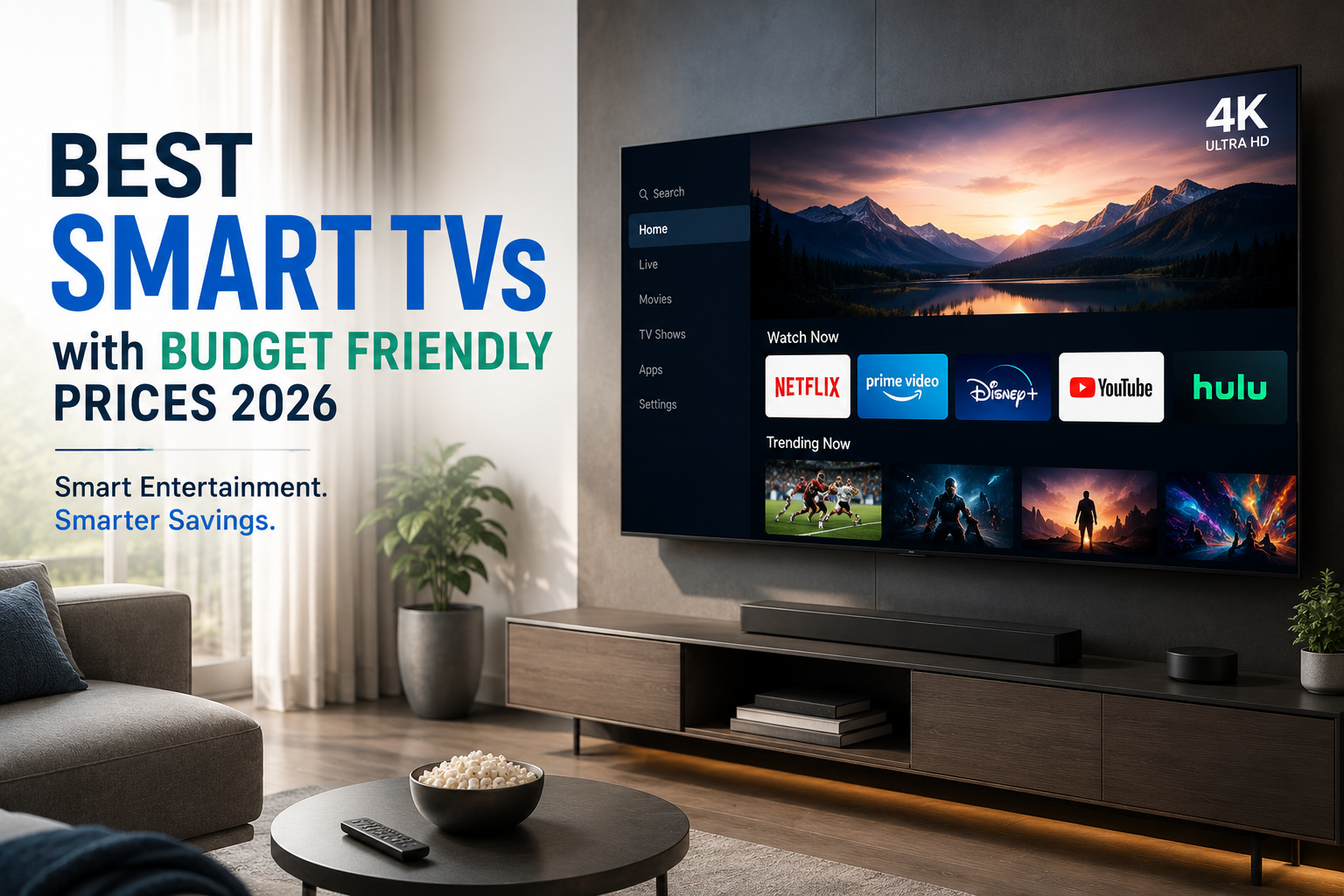
Best Smart TVs with Budget Friendly Prices 2026
by Just Tech Me At
August 21, 2026
*As an Amazon Associate, I earn from qualifying purchases.*



.svg.png)


Introduction
Why Finding a Budget-Friendly Smart TV Still Feels Overwhelming
Smart TVs promise crisp visuals, smooth streaming, and effortless voice control—but shoppers on a budget often face confusing specs, inconsistent performance, and compatibility issues with Google Home and Alexa. With so many models claiming to offer “premium features,” it’s hard to know which ones actually deliver quality without inflating the price.
In 2026, budget-friendly smart TVs have finally matured. Faster processors, improved display technology, and better voice assistant integration mean you can enjoy a modern viewing experience without overspending. This guide highlights the best affordable options, their standout features, and the pros and cons that matter most—so you can upgrade your home entertainment with confidence.
1. LG 55-Inch Class UR9000 Series Alexa Built-in AI-Powered 4K Smart TV

LG’s UR9000 Series offers a budget-friendly way into the LG ecosystem, with webOS, good viewing angles (typical of many LG LCD panels), and decent HDR support. It’s not as punchy as LG’s OLEDs or higher-end QNED sets, but it’s a flexible family-room TV where people are watching from many different seats.
Key Features
✅ Pros
❌ Cons
2. Hisense 65-Inch Class A6 Series 4K UHD Smart Google TV
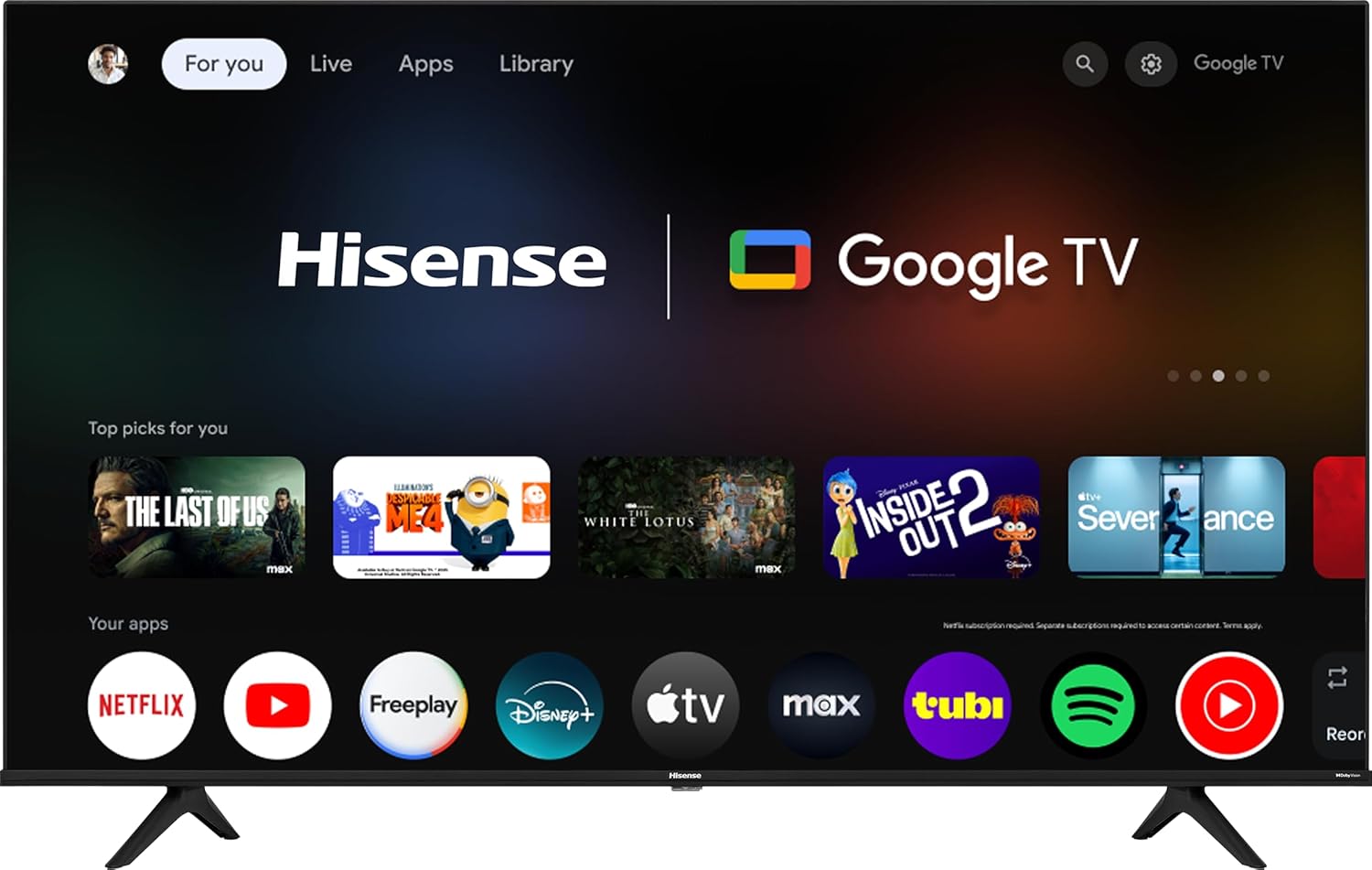
For shoppers who want the largest screen they can afford, Hisense’s A6/A7H line is often among the most aggressively priced 65-inch and 70-inch models. It focuses on the essentials—4K resolution, basic HDR, and a modern smart TV platform—while keeping costs low.
Key Features
✅ Pros
❌ Cons
3. TCL 55-Inch Q65 QLED 4K UHD Smart TV with Google TV (55Q651G, 2024 Model)

TCL’s Q6 QLED series hits a sweet spot for shoppers who want a visible upgrade over basic LED sets without jumping to premium prices. It offers QLED quantum dot color, gamer-friendly features like 120Hz CMI (via VRR at 1080p/1440p), and Google TV built-in for robust streaming.
Key Features
✅ Pros
❌ Cons
4. Amazon Ember 50" 4-Series with Fire TV, 4K Ultra HD smart TV with Alexa Remote, HDR10+

Amazon’s 4-Series targets buyers who want a simple, inexpensive 4K TV that integrates tightly with Alexa and the broader Amazon ecosystem. It’s basic in picture performance but very convenient if you already use Echo speakers or Fire TV sticks and want everything built-in.
Key Features
✅ Pros
❌ Cons
5. Roku 50 Inch Select Series 4K QLED TV HDMI CPS Streaming Bundle 2026

Roku’s own-branded Select Series targets users who care more about an intuitive streaming experience than advanced display specs. It delivers 4K resolution and HDR support at very low prices, wrapped in Roku’s famously simple interface that’s ideal for non-technical users and cord-cutters.
Key Features
✅ Pros
❌ Cons
How to Choose the Right Budget-Friendly Smart TV
1. Prioritize Display Quality
Look for solid brightness, good contrast, and accurate colors. Even budget TVs now offer impressive 4K performance, but panel quality varies widely—so focus on clarity and consistency over flashy marketing terms.
2. Check Voice Assistant Compatibility
Make sure the TV integrates smoothly with Google Home, Alexa, or both. Reliable voice control enhances everyday use, from launching apps to adjusting volume hands-free.
3. Evaluate Streaming Performance
A fast processor and optimized software ensure apps load quickly and run smoothly. If you stream often, prioritize models known for responsive navigation and minimal buffering.
4. Consider the Size-to-Room Ratio
Bigger isn’t always better. Choose a screen size that fits your space comfortably and provides an immersive experience without overwhelming the room.
5. Look for Essential Smart Features
Features like app availability, casting support, customizable home screens, and multi-room integration make a budget TV feel premium. Focus on the tools you’ll use daily.
6. Review Long-Term Value
Budget-friendly doesn’t mean disposable. Check for solid build quality, reliable software updates, and energy-efficient performance to ensure your TV remains useful for years.
Product Disclaimer
Electronic devices, computers, and smart home products should be installed, configured, and used according to the manufacturer’s instructions. Features, compatibility, software updates, and app functions may change over time. Always review the latest product details on the retailer’s page before purchasing, and follow all safety guidelines provided by the manufacturer.
Bottom Line
Final Thoughts: Affordable Smart TVs That Don’t Cut Corners
The best budget-friendly smart TVs of 2026 prove that you don’t need a premium price tag to enjoy sharp visuals, responsive streaming, and reliable voice control. Today’s models offer meaningful upgrades that eliminate the lag, dull displays, and limited integrations that once plagued lower-cost options.
By choosing a TV that aligns with your ecosystem, room size, and viewing habits, you’ll get a device that feels modern, capable, and surprisingly refined. The right smart TV delivers comfort, clarity, and convenience without stretching your budget.
Related Articles























Browse Amazon
Shop Now!
*As an Amazon Associate I earn from qualifying purchases.*
More Smart Devices*As an Amazon Associate I earn from qualifying purchases.*
