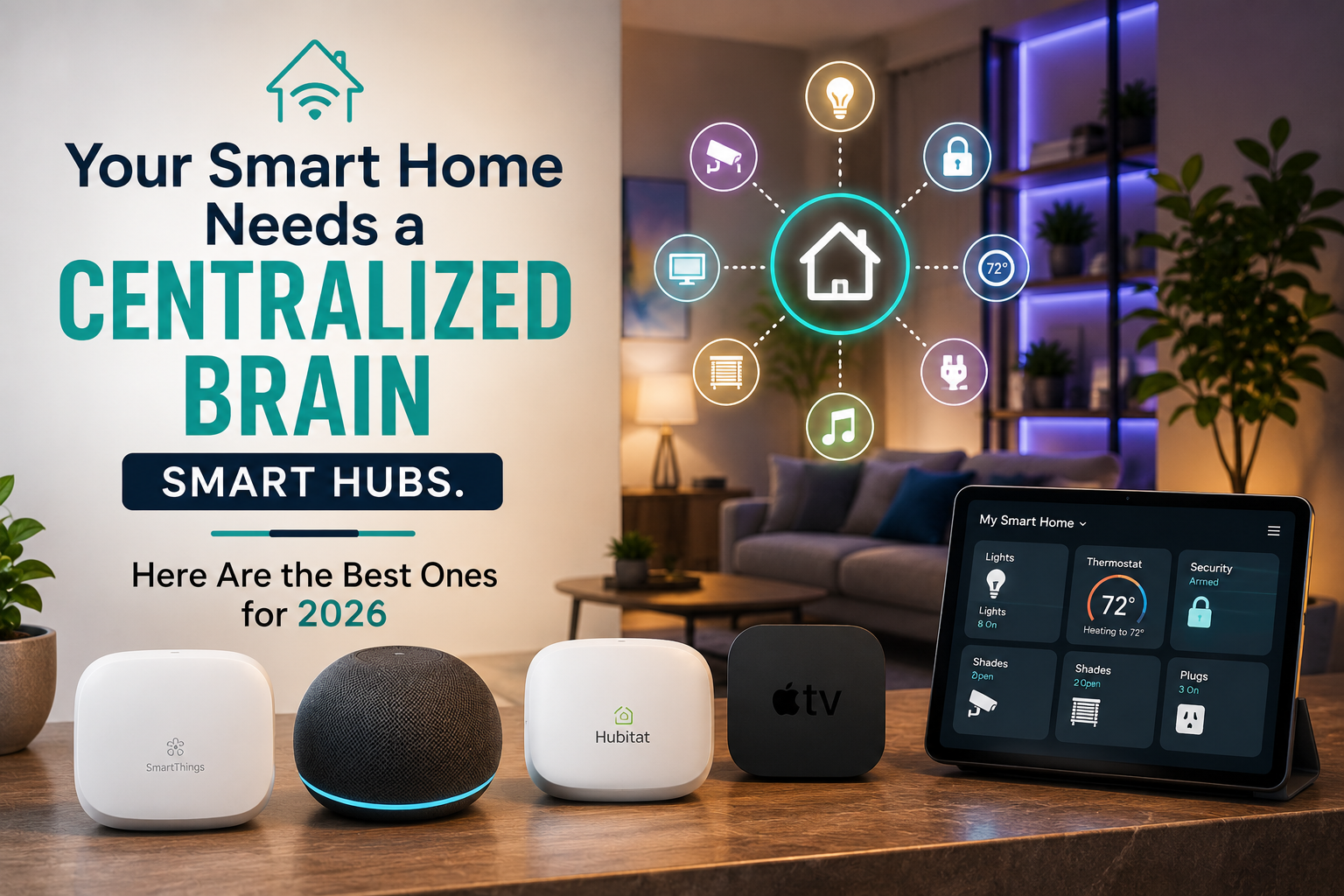
Your Smart Home Needs a Centralized Brain — Smart Hubs, Here Are the Best Ones for 2026

Your Smart Home Needs a Centralized Brain
Smart Hubs, Here Are the Best Ones for 2026

by Just Tech Me At

August 25, 2026

*As an Amazon Associate, I earn from qualifying purchases.*

Introduction

Your Smart Home Needs a Centralized Brain

Many people build smart homes one device at a time—adding lights, plugs, cameras, and sensors—only to discover that everything feels disconnected. Automations fail, voice commands lag, and devices from different brands refuse to work together. The result is a “smart” home that feels more chaotic than convenient.

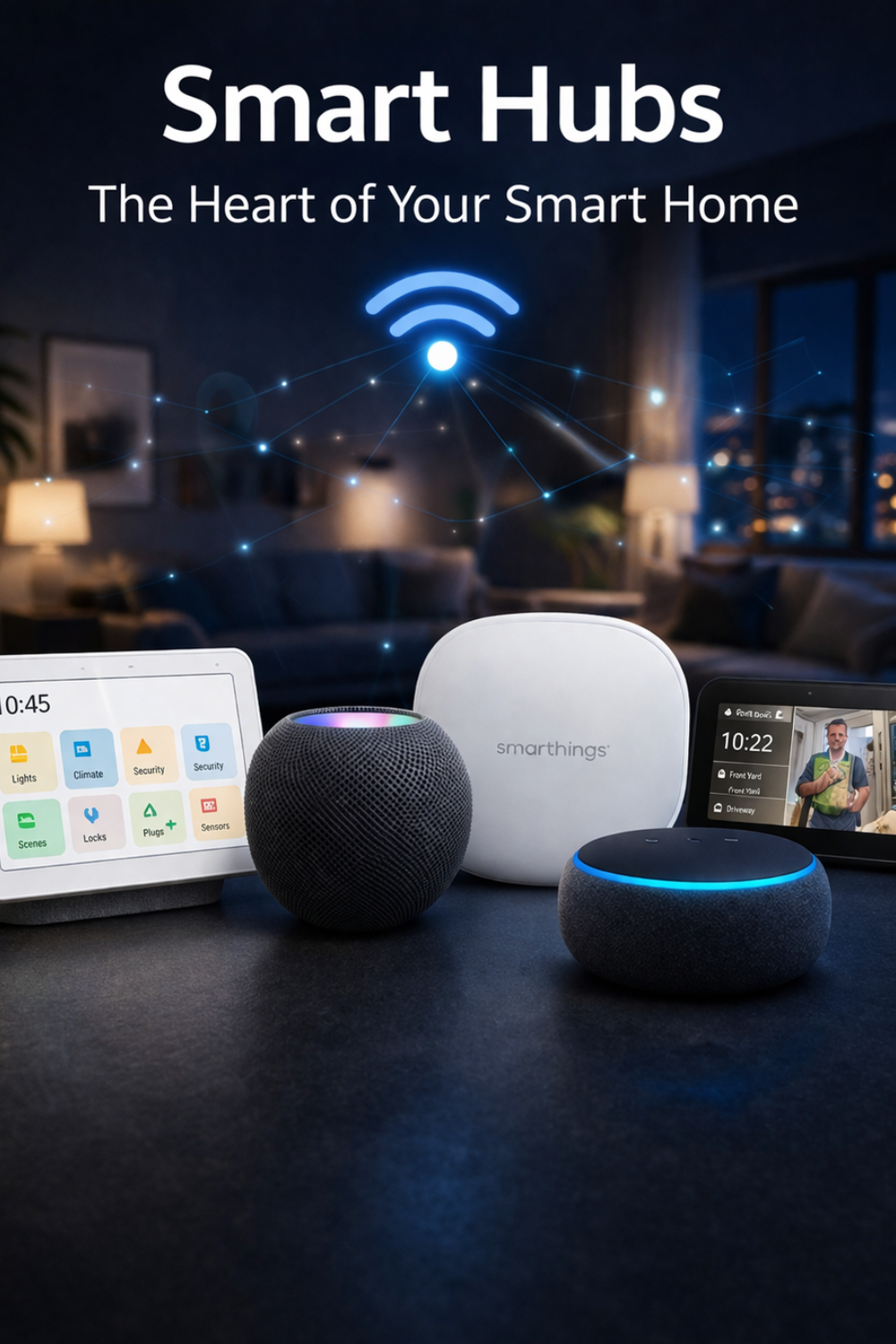
A smart hub acts as the centralized brain that ties everything together. It coordinates your devices, stabilizes automations, and ensures your routines run smoothly across Google Home, Alexa, and Matter. In 2026, smart hubs have become faster, more reliable, and more beginner‑friendly, making them essential for anyone who wants a smart home that actually works.

1. Amazon Echo Hub with customizable control and Alexa+

Best for: Best all-in-one wall panel for Alexa-centric smart homes.

The Amazon Echo Hub is an 8-inch touch-enabled smart home control panel that doubles as an Alexa device and a multiprotocol hub. It can be wall-mounted or used on a stand and is designed to centralize control of lights, locks, cameras, and routines while acting as a Matter controller, Thread border router, and Zigbee hub.

Key Features

  • 8" touch screen with customizable dashboard tiles for devices, groups, and routines.
  • Built-in Matter controller and Thread border router for new-generation devices.
  • Integrated Zigbee hub for many legacy devices and some Ring/Sidewalk support in supported regions.
  • Full Alexa voice control and routines, with on-screen cameras, intercom, and announcements.
  • Wi‑Fi and optional PoE (Power over Ethernet) via separate adapter for more reliable installations.
  • ✅ Pros

  • Combines smart display, voice assistant, and hub in one device.
  • Matter + Thread + Zigbee makes it broadly compatible and forward-looking.
  • Wall-mountable UI works like a home command center for the whole family.
  • Alexa routines are powerful and relatively easy to create.
  • ❌ Cons

  • Best experience is locked into the Amazon Alexa ecosystem.
  • Limited advanced local automation compared with specialist hubs like Home Assistant or Hubitat.
  • No Z‑Wave; you’ll need a separate bridge for Z‑Wave devices.
  • 2. Aeotec Smart Home Hub, Works as a SmartThings Hub, Z-Wave, Zigbee, Matter Gateway, Compatible with Alexa, Google Assistant
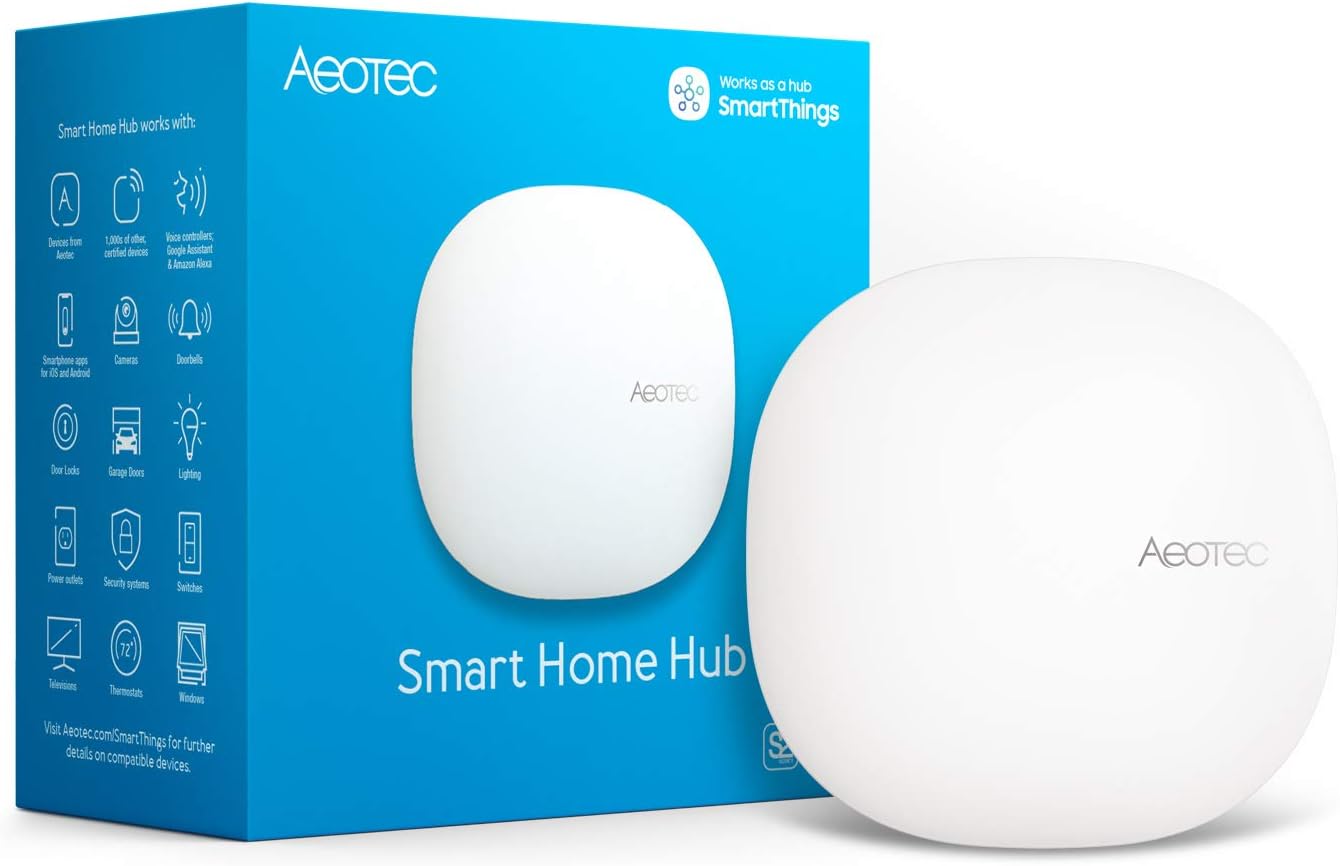
    Best for: Best mainstream hub for mixed Zigbee and Z‑Wave setups.

    After Samsung stopped manufacturing its own hubs, Aeotec’s SmartThings Hub became the official hub hardware for the SmartThings platform. It connects directly to Zigbee and Z‑Wave devices and integrates with Wi‑Fi and cloud services via the SmartThings app, which supports an extensive device library and cross-brand automation.

    Key Features

  • Integrated Zigbee and Z‑Wave Plus radios for direct pairing.
  • SmartThings app support for Android, iOS, and compatible TVs/appliances.
  • Scenes and automations that work across many brands (Philips Hue, Sonos, Aeotec, GE, etc.).
  • Some local execution for selected devices and automations, with ongoing platform updates.
  • Works with Alexa and Google Assistant for voice control.
  • ✅ Pros

  • One of the broadest device compatibility lists on the market.
  • Good choice if you already have older Z‑Wave or Zigbee sensors and switches.
  • User-friendly mobile app with fairly intuitive automation building.
  • Works nicely as a central hub in mixed-brand homes.
  • ❌ Cons

  • Heavily cloud-reliant; some automations can break during outages.
  • Advanced users may find limits compared with fully local, rule-based hubs.
  • Does not include a built-in Thread radio; relies on partner devices for Matter/Thread expansion.
  • 3. Home Assistant Green | Smart Home hub with Advanced Automation

    Best for: Best for enthusiasts who want maximum local control and flexibility.

    Home Assistant Green is a prebuilt appliance dedicated to running the open-source Home Assistant platform. It allows you to keep most automations local, integrate hundreds of brands, and host advanced dashboards. With additional USB sticks or bridges, it can support Zigbee, Z‑Wave, Thread, and Matter, making it a central brain for serious smart homes.

    Key Features

  • Ships ready-to-use with Home Assistant OS preinstalled.
  • Local-first architecture; automations can keep working even without internet.
  • Extensive integrations library (Philips Hue, Shelly, Lutron, cameras, media players, etc.).
  • Supports Matter and Thread when paired with a compatible multiprotocol USB dongle (e.g., Home Assistant SkyConnect) and can also add Zigbee/Z‑Wave this way.
  • Highly customizable dashboards, presence detection, and advanced automation logic (blueprints, scripting, templating).
  • ✅ Pros

  • One of the most powerful and flexible smart home platforms available.
  • Strong focus on privacy and local processing.
  • Can unify devices from multiple ecosystems into a single interface.
  • Large community with many pre-made blueprints and integrations.
  • ❌ Cons

  • More complex than plug-and-play hubs; there is a learning curve.
  • Requires extra hardware (USB sticks/bridges) for radios like Zigbee, Z‑Wave, Thread.
  • Best suited to users comfortable with tinkering and reading documentation.
  • 4. Hubitat Elevation C‑8 Pro Smart Home Hub, Local Control and Automations

    Best for: Best local-automation hub for power users who dislike cloud dependence.

    The Hubitat Elevation C‑8 Pro is a compact, Ethernet-connected smart home hub focused on running automations locally for fast and reliable performance. It includes Z‑Wave and Zigbee radios and has been updated to act as a Matter controller (with Thread via companion hardware), making it a strong choice for those who want serious automation with minimal internet reliance.

    Key Features

  • Built-in Zigbee and Z‑Wave radios with long-range Z‑Wave support.
  • Local rule engine for complex automations without the cloud.
  • Matter controller support (via firmware and appropriate network configuration), enabling use of Matter devices.
  • Dashboard creation for web and mobile access to devices and status.
  • Integrations with Alexa, Google Assistant, Lutron, Hue, and many more (often via local LAN).
  • ✅ Pros

  • Automations run locally, making them fast and resilient to internet outages.
  • Good for large installations of sensors, switches, and security-related routines.
  • Supports many older Zigbee/Z‑Wave devices, extending their life.
  • Rule Machine offers deep automation logic and conditional flows.
  • ❌ Cons

  • Interface and setup can feel technical for newcomers.
  • Primarily focused on advanced hobbyists and integrators; less “friendly” than Alexa/Google-centric hubs.
  • To fully exploit Matter/Thread ecosystems you may need additional compatible hardware and careful configuration.
  • 5. Google Nest Hub Max 10" Smart Display with Google Assistant

    Best for: Best smart display hub for households centered on Google services.

    The Google Nest Hub Max is a 10-inch smart display with Google Assistant, camera, and stereo speakers. As part of Google’s smart home ecosystem, it acts as a Matter controller and Thread border router (via platform updates), allowing supported devices to connect and be controlled through the Google Home app while doubling as a family communication and media device.

    Key Features

  • 10" touch screen for smart home dashboards, cameras, and media.
  • Google Assistant with voice control for supported devices and routines.
  • Acts as a Matter controller and Thread border router (where enabled by firmware and regional rollout).
  • Built-in camera for Duo/Meet calls, Nest Aware-compatible home monitoring, and Face Match.
  • Integration with YouTube, Photos, and other Google services.
  • ✅ Pros

  • Excellent choice if you primarily use Android, Nest, and Google services.
  • Smart display makes it easy for the whole household to control devices.
  • Combines entertainment, communication, and smart home hub in one.
  • Good Matter/Thread path for newer devices, reducing need for many brand-specific hubs.
  • ❌ Cons

  • Heavily cloud-dependent; most automations and voice control require internet.
  • No native Zigbee/Z‑Wave radios; requires additional bridges for legacy devices.
  • Ongoing platform changes in Google Home can occasionally impact routines/UX.
  • 6. SwitchBot Hub 3 (3rd Gen) Smart Home Command Center
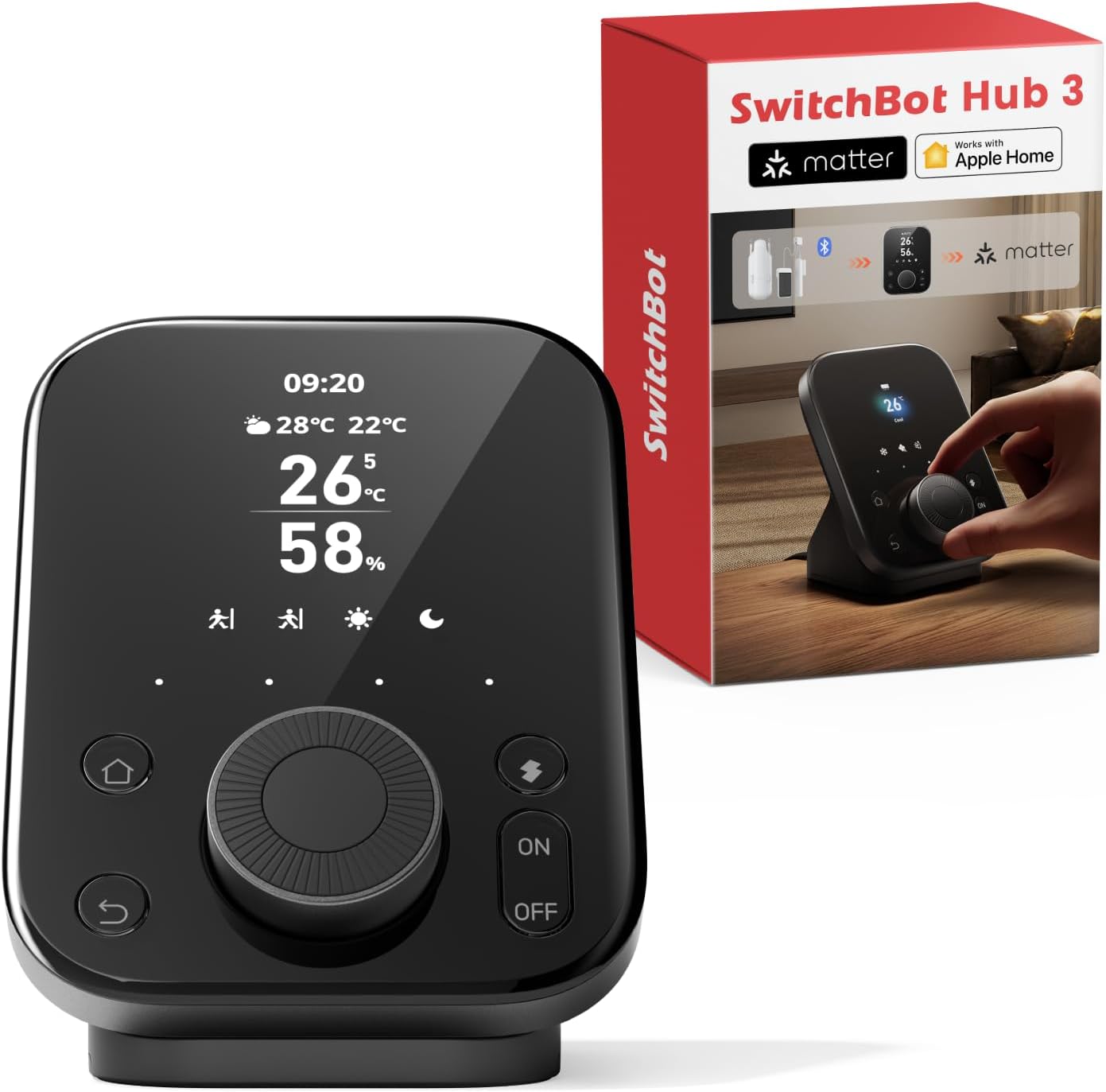
    Best for: Best bridge for upgrading IR appliances and connecting SwitchBot Bluetooth devices to Matter ecosystems like Apple Home, Alexa, and Google Home.

    The SwitchBot Hub 3 is a next-generation smart home hub that connects SwitchBot Bluetooth devices to Wi‑Fi and exposes them to Matter-compatible platforms such as Apple Home, Alexa, Google Home, and Home Assistant. It includes an upgraded infrared (IR) blaster with stronger signal output, a high-precision temperature/humidity sensor, and a new Dial Master™ rotary interface for fine control of appliances. It enables control of air conditioners, TVs, lights, and other IR-based devices, while also acting as a Matter bridge for SwitchBot ecosystem devices.

    Key Features

  • Matter bridge for SwitchBot devices (Curtain 3, Bot, Lock, Blind Tilt, etc.) enabling cross-platform control.
  • Upgraded IR blaster with stronger range and improved learning accuracy (up to 30m line-of-sight).
  • Bluetooth LE connectivity for faster device response and broader compatibility.
  • Built-in temperature and humidity sensor (±0.2°C precision) with real-time climate monitoring.
  • Illuminance/light sensor for automations like “turn on lights when dark.”
  • Control via SwitchBot app plus integration with Apple Home, Alexa, Google Home, IFTTT, and Home Assistant.
  • Dial Master™ rotary knob for precise adjustments (±1°C, ±1 volume, ±10% brightness).
  • USB‑C powered design with included stand and sensor cable for flexible placement.
  • ✅ Pros

  • Strong Matter integration for cross‑ecosystem compatibility (Apple Home, Alexa, Google Home).
  • More accurate IR control with improved range and stronger signal output.
  • High‑precision environmental sensors enable advanced automations.
  • Dial Master™ provides tactile, fine‑grained control without needing a phone.
  • Supports up to 30 SwitchBot devices bridged into Matter.
  • ❌ Cons

  • Still focused primarily on the SwitchBot ecosystem; not a general Zigbee/Z‑Wave hub. (inference based on official specs)
  • IR control remains line‑of‑sight dependent depending on placement.
  • Some advanced features (CO₂ monitoring, door alerts) require additional SwitchBot accessories.
  • Heavier and larger than Hub 2 due to upgraded hardware and dial interface.
  • 7. Aqara Hub M3

    Best for: Best hub for budget-friendly sensors and switches with multi-ecosystem support.

    The Aqara Hub M3 is Aqara’s flagship hub designed as a local-centric controller and Matter bridge for its growing range of affordable sensors, switches, and motors. It supports multiple radios (depending on region), IR control, and local automations, while exposing many Aqara devices to other ecosystems like Apple Home, Alexa, and Google Home via Matter.

    Key Features

  • Designed as an edge computing hub with more local automation capability than older Aqara hubs.
  • Works as a Matter bridge, making Aqara child devices visible in other platforms.
  • Supports Aqara’s sensors (motion, contact, vibration), switches, curtain motors, and more.
  • Infrared blaster to control ACs, TVs, and other IR appliances.
  • Integration with Aqara app, plus compatibility with Apple Home, Alexa, Google Home, and others.
  • ✅ Pros

  • Unlocks the use of inexpensive Aqara sensors across major ecosystems.
  • Improved local processing for automations versus older Aqara hubs.
  • Good combination of Matter bridge, IR, and multi-protocol support in one box.
  • Attractive value for outfitting a whole home with sensors.
  • ❌ Cons

  • Best results when most devices are Aqara-branded; limited as a general-purpose hub.
  • Feature set and radio support may vary by region/firmware.
  • Some advanced integrations and Matter edge cases still evolving via updates.
  • How to Choose the Right Smart Hub for Your Home

    1. Identify Your Ecosystem

    Start by choosing the ecosystem you rely on most—Google Home, Alexa, or a more advanced platform. Your hub should integrate seamlessly with your preferred voice assistant and devices.

    2. Look for Matter and Thread Support

    Matter and Thread are the new standards for fast, reliable smart home communication. A hub that supports these technologies will give you smoother automations and better long-term compatibility.

    3. Decide How Much Control You Want

    Some hubs offer simple, beginner-friendly automation, while others provide advanced customization for power users. Choose based on how hands-on you want to be with your smart home.

    4. Evaluate Automation Reliability

    A good hub should run routines consistently without delays or failures. Look for hubs known for stable performance, especially if you rely on schedules or multi-device automations.

    5. Consider Local vs. Cloud Processing

    Hubs that process automations locally tend to be faster and more reliable, especially during internet outages. Cloud-based hubs offer convenience but may introduce delays.

    6. Think About Future Expansion

    Choose a hub that can grow with your smart home. Support for sensors, switches, lighting, security devices, and energy monitoring ensures your hub remains useful as your setup evolves.

    Disclaimer

    Electronic devices, computers, and smart home products should be installed, configured, and used according to the manufacturer’s instructions. Features, compatibility, software updates, and app functions may change over time. Always review the latest product details on the retailer’s page before purchasing, and follow all safety guidelines provided by the manufacturer.

    Bottom Line

    Final Thoughts: A Smart Home That Finally Works Together

    Without a centralized hub, even the best smart devices struggle to communicate, respond quickly, or perform consistent automations. A smart hub solves these problems by giving your home a single, reliable point of coordination—your smart home’s “brain.”

    The best hubs of 2026 offer smoother routines, stronger compatibility, and more dependable performance than ever before. By choosing the right hub for your ecosystem and automation goals, you’ll transform your scattered devices into a unified, responsive smart home that feels effortless every day.

    Browse Amazon

    Shop Now!

    *As an Amazon Associate I earn from qualifying purchases.*

    More Smart Devices


    *As an Amazon Associate I earn from qualifying purchases.*


    Shop Now Amazon


    Visit Us On Pinterest