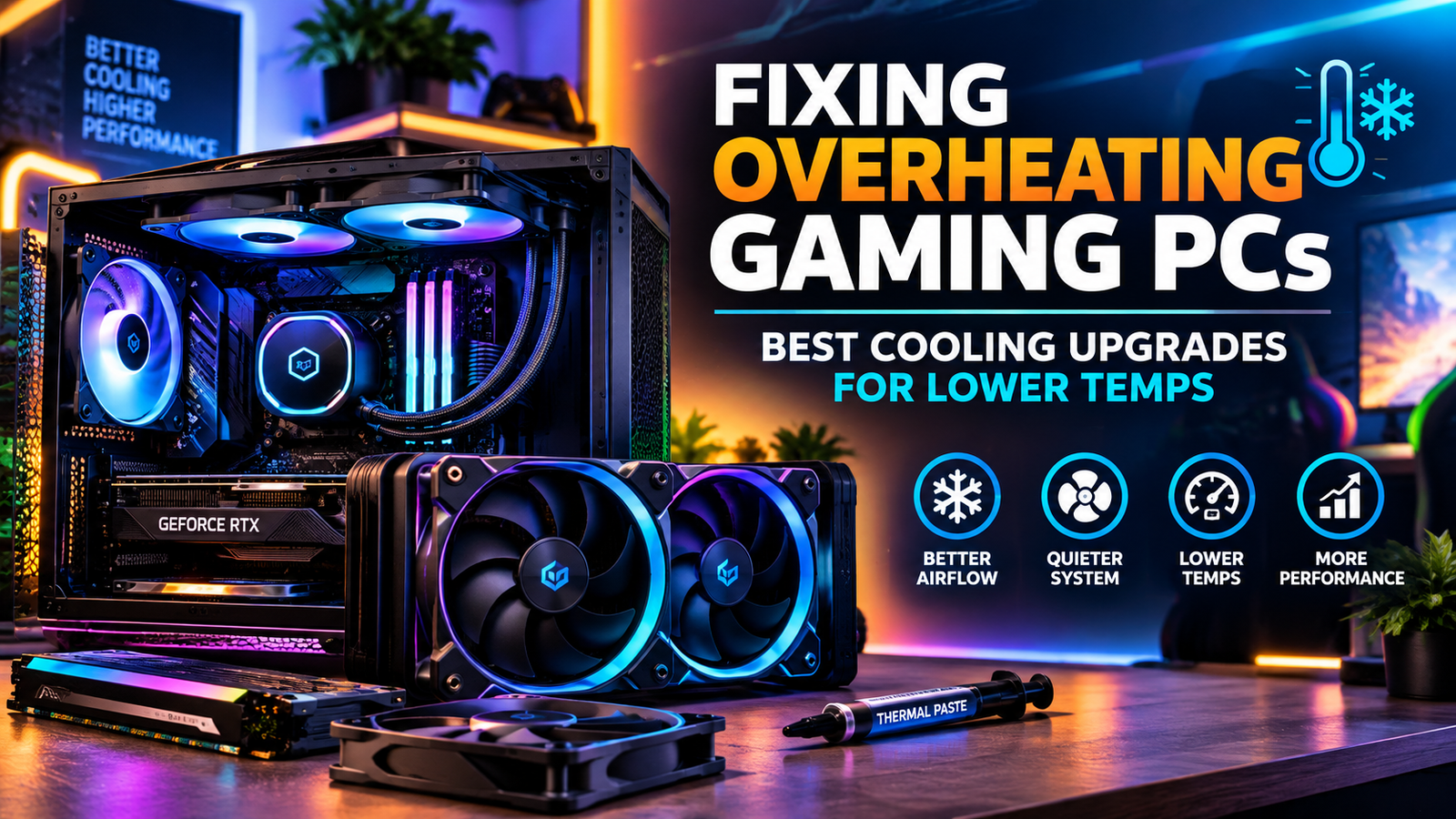
Fixing Overheating Gaming PCs
Best Cooling Upgrades for
Lower Temps
September 14, 2026
by Just Tech Me At
*As an Amazon Associate, I earn from qualifying purchases.*

.svg.png)




Follow us on social media for
freebies and new article releases.
Introduction
Overheating is one of the most common issues gamers face - sudden FPS drops, thermal throttling,
loud fans, or even full system crashes. Modern CPUs and GPUs generate massive heat, and without
proper airflow or cooling hardware, temperatures can quickly spiral out of control.
You can fix overheating with targeted upgrades: better case fans, stronger liquid coolers, fresh
thermal paste, dust management, and airflow-optimized PC cases.
Why Gaming PCs Overheat
1. Poor Case Airflow
Restrictive front panels, limited intake fans, and poor exhaust paths trap hot air inside the
chassis, forcing components to run hotter than intended.
2. Insufficient CPU/GPU Cooling
Stock coolers and older air coolers often struggle under modern gaming loads, especially with
multi-core CPUs and powerful GPUs. Under sustained load, they can't move enough heat away.
3. Dust Buildup
Dust accumulates on filters, fan blades, and heatsinks, blocking airflow and reducing cooling
efficiency. Even high-end coolers perform poorly when dust is choking the system.
4. Old or Poor-Quality Thermal Paste
Thermal paste is the interface between the CPU/GPU and the cooler. When it dries out or is
low-quality, heat transfer suffers and temperatures climb quickly.
High-FM Case Fans
1. CORSAIR RS120 ARGB - 120mm PWM Case Fan
Best for: Builders who want clean ARGB lighting, quiet operation, and simplified cable management in modern gaming PCs with multiple 120mm case fans.
CORSAIR RS120 ARGB Overview
The CORSAIR RS120 ARGB is a mainstream 120mm PWM case fan that blends addressable RGB lighting
with low-noise performance and smart cable design. It uses a magnetic dome bearing for smoother,
quieter operation and offers a daisy-chain connection that reduces cable clutter in multi-fan
builds. With 4-pin PWM control and ARGB support, it's ideal for builders who want a visually
cohesive, quiet case without sacrificing ease of installation.
Key Features
120mm PWM fan with 4-pin control
Addressable RGB lighting compatible with major motherboard headers and CORSAIR iCUE
Daisy-chain connection to reduce cable clutter
Magnetic dome bearing for low-noise, long-life operation
Up to ~1,500 RPM for balanced airflow and acoustics
Designed for case intake/exhaust in gaming and creator PCs
Black frame and blades for a clean, modern look
✅ Pros
Very clean ARGB lighting with good ecosystem compatibility
Daisy-chain cabling dramatically simplifies multi-fan setups
Magnetic dome bearing keeps noise levels low at typical gaming loads
Strong value for a feature-rich RGB fan
Good balance of airflow and noise for mesh cases
❌ Cons
Not the best choice for dense radiators that need high static pressure
Full lighting control is best with CORSAIR software
ARGB and PWM cabling still require some planning in tight ITX builds
Performance is mid-range rather than extreme cooling
2. Noctua NF-A14 PWM - 140mm Quiet Performance Fan
Best for: Enthusiasts who prioritize ultra-quiet operation, premium build quality, and reliable long-term cooling for 140mm case or radiator positions.
Noctua NF-A14 PWM Overview
The Noctua NF-A14 PWM is a 140mm premium fan known for its exceptional acoustic performance and
long-term reliability. Built with Noctua's advanced aerodynamic design and SSO2 bearing, it
delivers strong airflow and static pressure while remaining impressively quiet. It's widely
recommended for high-end air coolers, radiators, and case intake/exhaust where silence and
durability matter more than RGB aesthetics.
Key Features
140mm PWM fan with wide speed range
SSO2 bearing for long lifespan and smooth operation
Optimized blade geometry for high airflow and static pressure
Low-noise adapters and anti-vibration pads included
Ideal for use on radiators, CPU coolers, or 140mm case mounts
Renowned Noctua build quality and reliability
Brown/beige aesthetic typical of Noctua's classic line
✅ Pros
Extremely quiet even at higher RPMs
Excellent performance on radiators and air coolers
Top-tier bearing and build quality for long-term use
Includes accessories for noise and vibration reduction
Highly trusted by enthusiasts and reviewers
❌ Cons
Higher price than many mainstream 140mm fans
No RGB or visual effects - purely functional aesthetics
Brown/beige color may not match all themed builds
Overkill for very basic or budget systems
Liquid Coolers
1. Cooler Master MasterLiquid ML240L RGB V2 - 240mm AIO Liquid Cooler
Best for: Gamers and PC builders who want a reliable, budget-friendly 240mm AIO with strong cooling performance, quiet operation, and vibrant RGB lighting.
Cooler Master ML240L RGB V2 Overview
The Cooler Master MasterLiquid ML240L RGB V2 is one of the most popular budget-friendly 240mm AIO coolers thanks to its improved dual-chamber pump, upgraded SickleFlow fans, and enhanced RGB lighting. It delivers dependable cooling for mid-range and high-end CPUs while maintaining low noise levels. Its reinforced tubing and redesigned pump housing improve durability, making it a strong choice for builders who want performance and aesthetics without overspending.
Key Features
Dual-chamber pump for improved cooling efficiency
240mm radiator with upgraded SickleFlow RGB fans
Quiet operation with PWM fan control
Addressable RGB lighting compatible with major motherboard software
Reinforced FEP tubing for durability
Universal Intel & AMD socket support
Improved pump housing for reduced vibration
✅ Pros
Excellent value for a 240mm AIO
Much quieter than previous ML240L versions
Strong cooling performance for gaming and productivity
RGB lighting looks clean and vibrant
Easy installation with clear mounting hardware
❌ Cons
Not as powerful as premium AIOs like Kraken or Arctic Liquid Freezer
RGB control requires motherboard or Cooler Master software
Fans can get audible at max RPM
No LCD display or advanced customization features
2. NZXT Kraken Plus 240 RGB - Premium 240mm AIO Liquid Cooler
Best for: Builders who want premium cooling performance, ultra-quiet operation, and high-end RGB aesthetics powered by NZXT's refined pump and fan design.
NZXT Kraken Plus 240 RGB Overview
The NZXT Kraken Plus 240 RGB is a premium 240mm AIO designed for builders who want top-tier cooling and refined aesthetics. Featuring NZXT's high-performance pump, Aer RGB 2 fans, and a sleek modern design, the Kraken Plus delivers excellent thermal performance with whisper-quiet acoustics. Its RGB lighting is vivid and uniform, and NZXT CAM software provides deep customization for lighting, fan curves, and system monitoring.
Key Features
High-performance NZXT pump for superior cooling
240mm radiator with Aer RGB 2 fans
Ultra-quiet operation even under load
Premium RGB lighting with CAM software control
Reinforced tubing for long-term durability
Wide Intel & AMD socket compatibility
Sleek, modern aesthetic ideal for showcase builds
✅ Pros
Excellent cooling performance for high-end CPUs
Very quiet compared to most 240mm AIOs
RGB lighting is bright, smooth, and premium
CAM software offers deep customization
High-quality build materials and finish
❌ Cons
More expensive than mid-range AIOs
CAM software required for full functionality
No LCD display like the Kraken Z series
Installation is slightly more involved than simpler AIOs
Thermal Paste
1. Thermal Grizzly Kryonaut - Extreme Performance Thermal Paste
Best for: Overclockers, high-end gaming rigs, and users running hot CPUs/GPUs who need maximum thermal conductivity and top-tier heat transfer.
Thermal Grizzly Kryonaut Overview
Thermal Grizzly Kryonaut is one of the most respected high-performance thermal pastes on the market, engineered specifically for extreme cooling scenarios. With a thermal conductivity rating of 12.5 W/mK, it excels in overclocked systems, high-heat gaming CPUs, and GPUs under heavy load. Kryonaut's non-conductive formula makes it safe for all components, while its thick consistency ensures stable long-term performance even under high thermal stress.
Key Features
12.5 W/mK thermal conductivity for extreme cooling
Non-conductive and non-capacitive formula
Ideal for overclocking and high-heat CPUs/GPUs
Long-term stability under heavy thermal cycles
Easy application with included spatula
Compatible with air and liquid coolers
Performs exceptionally well in high-pressure mounting systems
✅ Pros
One of the highest-performing pastes available
Excellent for overclocking and high-TDP processors
Safe for all components due to non-conductive formula
Long-lasting performance without drying out quickly
Trusted by enthusiasts and professional builders
❌ Cons
More expensive than standard thermal pastes
Thicker consistency can be harder for beginners to apply
Overkill for basic or low-power systems
Not the best choice for very low-pressure cooler mounts
2. ARCTIC MX-7 - Ultimate Performance Thermal Paste
Best for: Everyday builders, gaming PCs, and long-term system reliability where consistent cooling, easy application, and long durability matter most.
ARCTIC MX-7 Overview
ARCTIC MX-7 is the latest evolution of ARCTIC's legendary MX series, known for reliability, ease of use, and excellent cooling performance. With improved thermal conductivity and a long-lasting formula, MX-7 is ideal for gaming PCs, productivity systems, and users who want strong cooling without the complexity of extreme pastes. Its smooth consistency makes application simple, and its non-conductive formula ensures complete safety across CPUs and GPUs.
Key Features
High thermal conductivity optimized for gaming and productivity
Non-conductive, non-capacitive formula for safe application
Long durability with slow aging characteristics
Easy-spread consistency ideal for beginners
Compatible with all CPU/GPU coolers
8g tube provides multiple applications
Excellent performance in standard and high-pressure mounts
✅ Pros
Very easy to apply, even for beginners
Long-lasting formula ideal for multi-year builds
Strong cooling performance for gaming CPUs
Safe for all components due to non-conductive design
Great value with large 8g tube
❌ Cons
Not as thermally aggressive as Kryonaut for extreme overclocking
Performance difference vs MX-6 is modest
Can spread too easily if over-applied
Not ideal for ultra-high-TDP workstation CPUs
Dust Filters
1. SilverStone FF123B - Ultra Fine Magnetic Fan Filter (3-Pack)
Best for: Builders who want premium dust filtration, easy magnetic installation, and long-term durability for 120mm case fans.
SilverStone FF123B Overview
The SilverStone FF123B is one of the most recognized ultra-fine magnetic fan filters available for 120mm PC fans. Built with a high-density steel mesh and a strong magnetic frame, it provides excellent dust filtration without significantly restricting airflow. Its ultra-fine mesh captures smaller particles than typical nylon filters, making it ideal for maintaining clean internals in gaming PCs, workstations, and long-term builds. The magnetic design allows effortless removal and cleaning.
Key Features
Ultra-fine steel mesh for superior dust filtration
Magnetic frame for easy installation and removal
Compatible with all 120mm case fans
Durable construction designed for long-term use
Minimal airflow restriction compared to dense nylon filters
Ideal for intake fans in gaming and workstation builds
3-pack for multi-fan setups
✅ Pros
Excellent dust capture due to ultra-fine mesh
Strong magnets make installation effortless
Easy to clean and maintain
Durable steel mesh lasts longer than nylon alternatives
Great for keeping high-airflow mesh cases clean
❌ Cons
More restrictive than nylon mesh filters
Higher price compared to budget dust filters
Steel mesh can bend if mishandled
Black frame only - no color options
2. Fuhengli 120mm Magnetic Nylon Mesh Fan Filter - Ultra Fine Nylon Mesh
Best for: Users who want maximum airflow, smooth fan performance, and lightweight dust protection with easy magnetic installation.
Fuhengli 120mm Nylon Mesh Filter Overview
The Fuhengli 120mm Magnetic Nylon Mesh Filter is a lightweight, airflow-friendly dust filter designed for users who want smooth fan performance with moderate dust protection. Its ultra-fine nylon mesh reduces airflow turbulence and noise while still blocking common dust particles. The magnetic frame makes installation simple, and the flexible mesh design ensures compatibility with most 120mm fans. This 4-pack is ideal for multi-fan gaming setups or mesh-front cases.
Key Features
Ultra-fine nylon mesh for balanced airflow and dust protection
Magnetic frame for quick installation
Lightweight design reduces airflow resistance
Compatible with all 120mm case fans
Flexible mesh reduces fan noise and turbulence
4-pack for multi-fan builds
Black color for clean, stealthy aesthetics
✅ Pros
Excellent airflow with minimal restriction
Very quiet due to smooth nylon mesh
Easy magnetic installation
Great value with 4 filters included
Ideal for mesh cases and high-airflow builds
❌ Cons
Not as effective at capturing ultra-fine dust as steel mesh filters
Nylon can stretch or warp over time
Magnets are weaker than SilverStone's premium filters
Requires more frequent cleaning in dusty environments
Airflow-Optimized Cases
1. NZXT H9 Flow - Dual-Chamber ATX PC Case
Best for: Builders who want maximum airflow, panoramic glass aesthetics, and ultra-clean cable management using a dual-chamber layout.
NZXT H9 Flow Overview
The NZXT H9 Flow is a premium dual-chamber ATX case designed for high-airflow builds and showcase-style aesthetics. Its panoramic tempered-glass front and side panels create an open display for RGB components, while the second chamber hides cables, drives, and the PSU for a clean, minimalist look. With support for up to ten fans and multiple 360mm radiators, the H9 Flow is ideal for high-end gaming PCs, custom water loops, and airflow-optimized builds.
Key Features
Dual-chamber layout for elite cable management
Panoramic tempered glass front + side panels
Supports up to 10 fans for extreme airflow
Multiple radiator support: up to 360mm top + side
Perforated top panel for improved cooling
Spacious interior for large GPUs and custom loops
Clean cable routing with dedicated rear chamber
✅ Pros
Outstanding airflow for high-end GPUs and CPUs
Dual-chamber design keeps the build visually clean
Panoramic glass is perfect for showcase builds
Excellent radiator and fan support
Great for RGB-heavy setups
❌ Cons
Larger footprint than standard mid-towers
No included fans in some configurations
Glass panels require careful handling
Premium price compared to airflow-focused cases
2. CORSAIR 4000D RS ARGB - High-Airflow Modular ATX PC Case
Best for: Builders who want a high-airflow mid-tower with modular customization, strong cable management, and pre-installed ARGB fans.
CORSAIR 4000D RS ARGB Overview
The CORSAIR 4000D RS ARGB is a modular high-airflow ATX case built around CORSAIR's new FRAME system, allowing users to swap or upgrade panels, trays, and I/O modules. With three pre-installed RS ARGB fans and an Infinirail fan-mounting system, it delivers excellent cooling performance out of the box. Its clean layout, strong cable management channels, and wide compatibility make it a top choice for modern gaming builds.
Key Features
High-airflow front panel with optimized ventilation
Three pre-installed RS ARGB fans
Modular FRAME system for customizable components
Infinirail fan mounting for flexible placement
Supports ATX, Micro-ATX, and Mini-ITX motherboards
Excellent cable routing with CORSAIR RapidRoute
Supports up to 360mm front radiator
✅ Pros
Fantastic airflow with included ARGB fans
Modular FRAME system adds long-term upgrade flexibility
Clean interior layout with great cable management
Strong value for the price
Compatible with ASUS BTF & MSI Project Zero back-connect motherboards
❌ Cons
Not as visually open as panoramic glass cases
Front mesh design is more functional than flashy
Limited space for very large custom water loops
ARGB control depends on motherboard or CORSAIR iCUE
Overheating doesn't have to be a permanent problem. By improving case airflow, upgrading CPU
cooling, managing dust, and refreshing thermal paste, you can dramatically lower temperatures.
Whether you choose high-CFM fans, a 240mm liquid cooler, or an airflow-optimized case, each
upgrade moves your gaming PC closer to stable, smooth performance without throttling or crashes.
Shop Now!
*As an Amazon Associate I earn from qualifying purchases.*
More Smart Devices
*As an Amazon Associate I earn from qualifying purchases.*

Visit Us On Pinterest