Just Tech Me At
The STEM Skills Gap Is Growing
Can Miko 3 or mBot
Help Your Child Catch Up?
September 5, 2026
by Just Tech Me At
*As an Amazon Associate, I earn from qualifying purchases.*



.svg.png)


Introduction
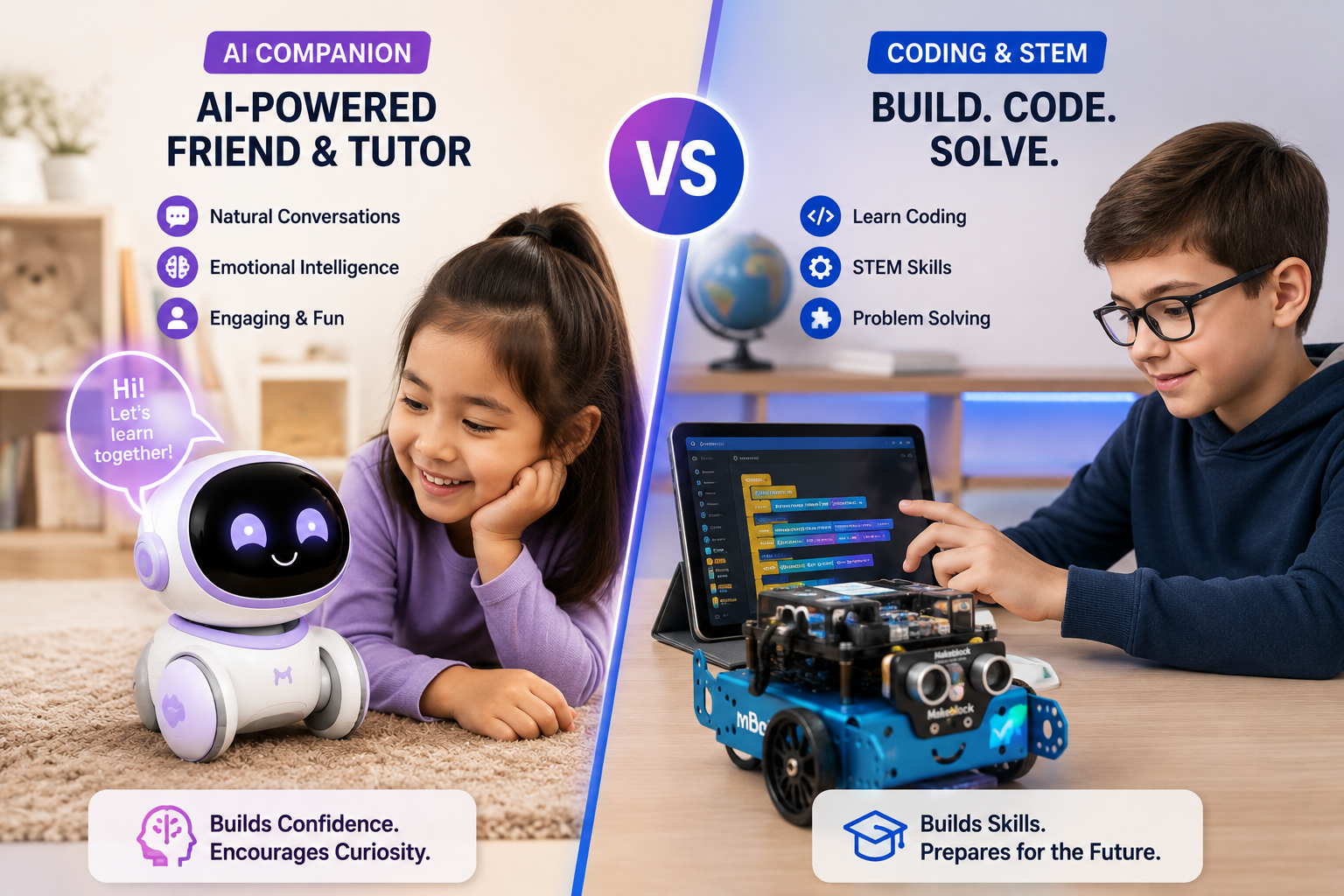
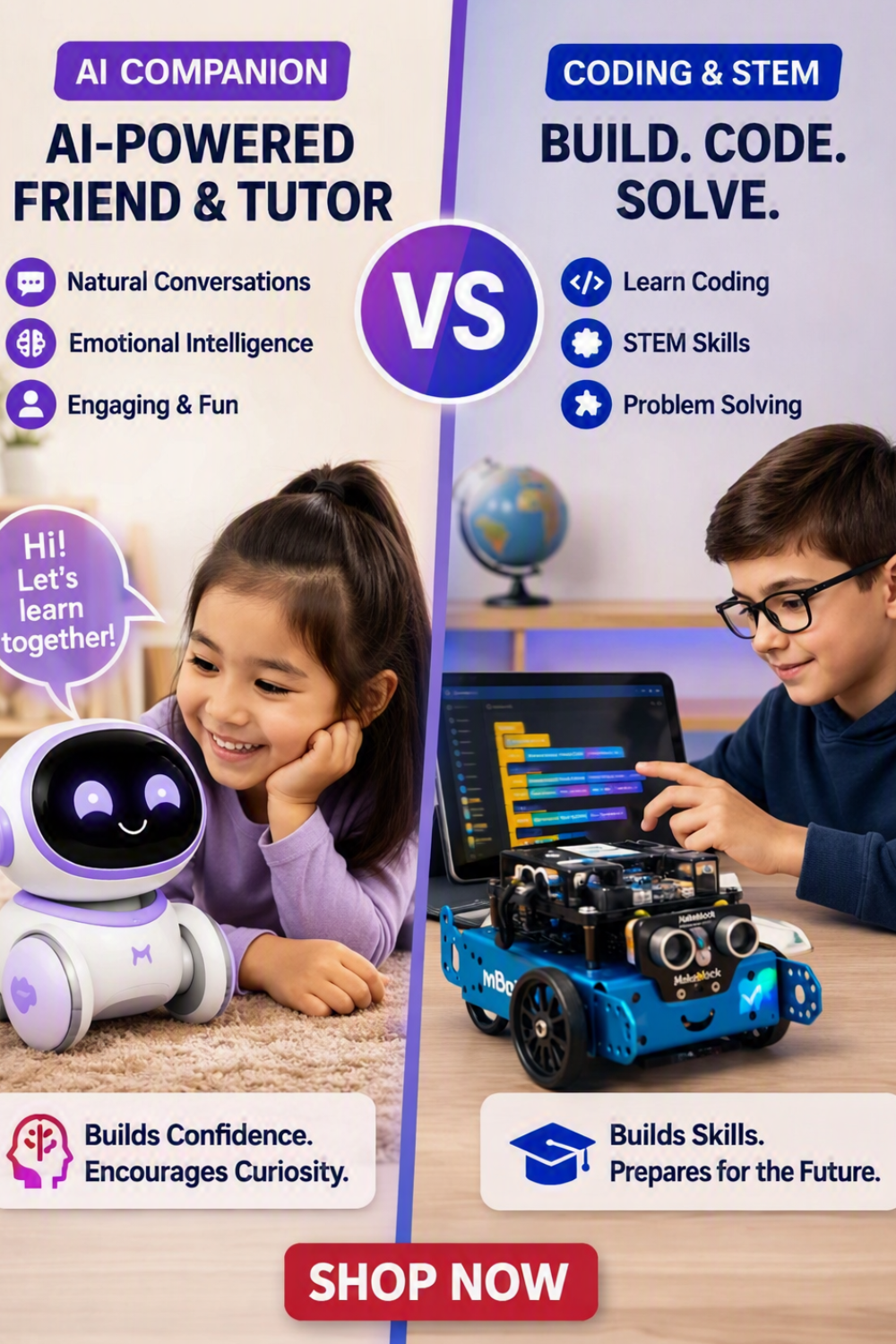
Kids don’t all learn the same way — and the robots we choose for them shouldn’t either. In this guide, we’re looking at Miko 3 and mBot, two standout educational robots that teach in completely different ways. Miko 3 leans on AI-powered, conversational learning, using deep learning to adapt to your child’s interests, emotions, and pace. mBot, on the other hand, is all about hands-on coding and robotics, helping kids build, program, and debug real-world projects.
Instead of asking “Which robot is better?”, this article helps you answer a more important question: Which learning style fits your child — AI-driven interaction or coding-based problem solving? By the end, you’ll know whether Miko 3, mBot, or a combination of both belongs in your child’s STEM journey.
1. Makeblock mBot STEM Coding Robot for Kids

Makeblock mBot Overview
The Makeblock mBot is a beginner‑friendly STEM robot designed to teach kids coding, robotics, and engineering through hands‑on assembly and programmable activities. Built around the Scratch‑based mBlock coding platform, mBot allows kids to learn logic, sequencing, and problem‑solving by programming the robot to move, follow lines, avoid obstacles, and complete missions. With modular parts, sensors, and expansion kits, mBot grows with the child’s skill level, making it a long‑term educational tool.
Key Features
✅ Pros
❌ Cons
2. Miko 3 AI Robot for Kids

Miko 3 AI Robot Overview
Miko 3 is an AI‑powered educational robot designed to help kids learn through interactive conversations, games, and personalized lessons. Using advanced voice recognition and emotional intelligence algorithms, Miko 3 adapts to each child’s learning style and mood. It can teach STEM concepts, tell stories, answer questions, and encourage healthy habits. With a built‑in touchscreen, safe internet access, and parental controls, Miko 3 blends fun and learning into a friendly robot companion.
Key Features
✅ Pros
❌ Cons
Disclaimer
Electronic devices, computers, and smart home products should be installed, configured, and used according to the manufacturer’s instructions. Features, compatibility, software updates, and app functions may change over time. Always review the latest product details on the retailer’s page before purchasing, and follow all safety guidelines provided by the manufacturer.
Bottom Line
When you put Miko 3 and mBot side by side, you’re not just comparing two gadgets — you’re comparing two learning philosophies. Miko 3 shines as an AI learning companion, ideal for kids who respond to conversation, storytelling, and emotional engagement. mBot excels as a coding and robotics platform, perfect for kids who love building, tinkering, and seeing their logic come to life.
The real win isn’t choosing one over the other — it’s recognizing how each can support a different part of your child’s growth. If you want your child to think like a programmer, mBot is a powerful starting point. If you want them to engage with AI and smart assistants, Miko 3 opens that door. Together, they offer a balanced path: AI learning + coding skills, emotional intelligence plus technical problem solving. And that combination might just be the most exciting STEM toolkit you can give them.
Related Articles

















Browse Amazon
Shop Now!
*As an Amazon Associate I earn from qualifying purchases.*
More Smart Devices*As an Amazon Associate I earn from qualifying purchases.*
