Just Tech Me At
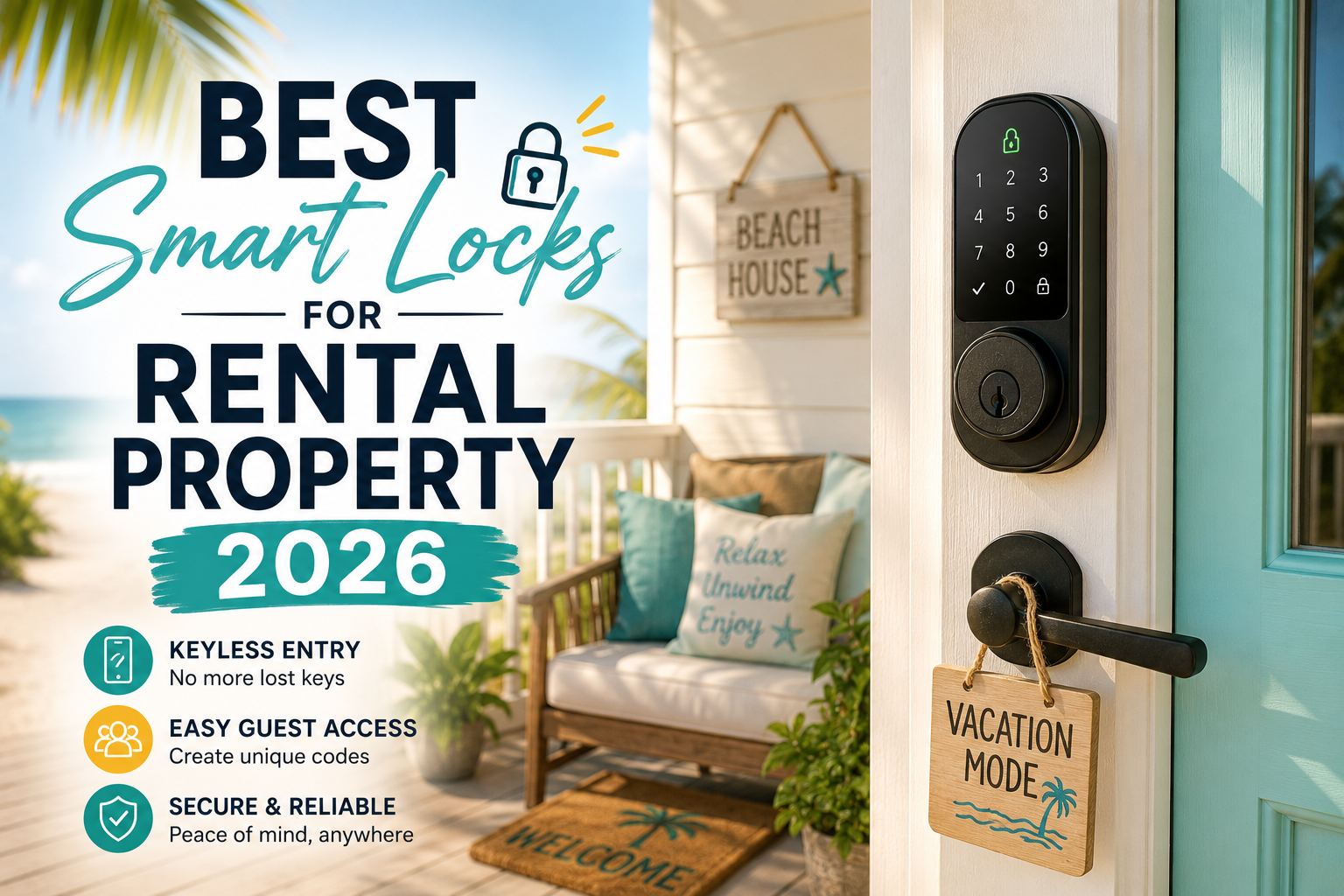
Best Smart Locks for Rental Property 2026
by Just Tech Me At
August 24, 2026
*As an Amazon Associate, I earn from qualifying purchases.*



.svg.png)

Introduction
Why Rental Properties Need Smarter, More Reliable Locks
Managing a rental property comes with constant access challenges—lost keys, late-night lockouts, guests arriving early, cleaners needing entry, and the never-ending worry about unauthorized copies floating around. Traditional keys create friction for both hosts and guests, and they offer little control once they’re handed out.
Smart locks solve these problems by giving you secure, keyless access that can be managed from anywhere. In 2026, the best smart locks for rental properties offer faster remote control, better guest-code management, stronger security features, and seamless integration with smart home platforms. This guide highlights the top options, their major features, and the pros and cons that matter most for hosts.
1. Schlage Encode Smart WiFi Deadbolt Lock with Century Trim

The Schlage Encode Plus is a Grade 1 smart deadbolt with built‑in Wi‑Fi, native Apple HomeKey support, and strong integration with major smart‑home ecosystems. It’s designed to handle frequent code changes, making it ideal for Airbnbs and vacation rentals where security and ease of guest access are top priorities.
Key Features
✅ Pros
❌ Cons
2. ULTRALOQ U-Bolt Pro WiFi Smart Lock with Door Sensor,

The Ultraloq U‑Bolt Pro WiFi is a full deadbolt replacement with an all‑in‑one keypad and fingerprint reader. Its multiple entry options (fingerprint, PIN, app, mechanical key) make it ideal for properties with frequent staff, maintenance visits, or co‑living arrangements where different users prefer different methods.
Key Features
✅ Pros
❌ Cons
3. Wyze Auto-Lock Bolt v2, Fingerprint Keyless Entry Smart Lock, AI Learning Scanner with Wi-Fi Front Door Lock Deadbolt, Auto-Lock

The Wyze Lock Bolt is a budget‑friendly deadbolt with a backlit keypad and fast fingerprint reader. It’s Bluetooth‑based out of the box, focusing on local control rather than full‑time cloud connectivity, which can be acceptable for on‑site hosts or those comfortable with limited remote access options.
Key Features
✅ Pros
❌ Cons
4. Yale Assure Lock 2 Keypad Deadbolt with Wi-Fi, Black Suede | Auto-lock with DoorSense, Temporary guest codes via app

The Yale Assure Lock 2 is a modular smart deadbolt available in several connectivity versions (Bluetooth, Wi‑Fi, Matter). The Wi‑Fi keypad version is especially rental‑friendly because it combines easy code sharing, broad ecosystem support, and reliable hardware from a long‑standing lock manufacturer.
Key Features
✅ Pros
❌ Cons
5. August Home Smart Lock - Keyless Home Entry with Your Smartphone

The 4th‑gen August Wi‑Fi Smart Lock replaces only the interior thumb‑turn of your deadbolt, leaving your existing exterior hardware intact. This is particularly useful for landlords and hosts who want smart access control without changing the property’s exterior appearance or rekeying existing locks.
Key Features
✅ Pros
❌ Cons
How to Choose the Right Smart Lock for Your Rental Property
1. Prioritize Guest Code Management
Look for locks that allow you to create temporary, scheduled, or auto-expiring codes. This ensures guests, cleaners, and maintenance workers get access only when they need it.
2. Choose a Lock Type That Fits Your Door
Some locks retrofit over existing deadbolts, while others replace the entire assembly. Retrofit models are easier for landlords who want quick installation without modifying the door.
3. Check Remote Access Capabilities
Remote locking and unlocking is essential for hosts who manage properties from afar. Make sure the lock supports reliable remote control through Wi-Fi or a compatible hub.
4. Look for Strong Security Features
Features like encrypted communication, tamper alerts, auto-locking, and activity logs help protect your property and give you visibility into who entered and when.
5. Consider Battery Life and Backup Options
Long battery life reduces maintenance, and backup power options prevent lockouts. This is especially important for high-turnover rentals.
6. Evaluate Integration With Your Smart Home Ecosystem
If your rental uses smart lights, thermostats, or cameras, choose a lock that works smoothly with your existing ecosystem—Google Home, Alexa, or Matter—for unified automation.
7. Think About Guest Experience
A good smart lock should be intuitive for guests. Clear keypads, fast unlocking, and simple instructions help ensure a smooth check-in every time.
Disclaimer
Electronic devices, computers, and smart home products should be installed, configured, and used according to the manufacturer’s instructions. Features, compatibility, software updates, and app functions may change over time. Always review the latest product details on the retailer’s page before purchasing, and follow all safety guidelines provided by the manufacturer.
Bottom Line
Final Thoughts: Smart Locks That Make Hosting Easier
Rental properties thrive on smooth, secure access. The right smart lock eliminates the stress of physical keys, reduces guest confusion, and gives you full control over who enters your property and when. Whether you manage a single unit or multiple listings, smart locks in 2026 offer the reliability and automation needed to keep operations running effortlessly.
By choosing a lock that aligns with your property type, guest turnover, and security needs, you’ll create a safer, more convenient experience for everyone. A smart lock isn’t just a tech upgrade—it’s a hosting essential.
Related Articles


Browse Amazon
Shop Now!
*As an Amazon Associate I earn from qualifying purchases.*
More Smart Devices*As an Amazon Associate I earn from qualifying purchases.*
